Beantwoord

Very slow wifi


  • is een Master Poster

I have huawei router and 100mbps internet speed. 

Routers place is in corner of salon on the top of shelf. I do speed test on different devices neer to router and always the max speed is round 5mbps.

I make every steps from support and this do nothing. 

I download file size 1,8mb almost 2h.

Sites don't want open or opened long time.

Printer don't want work. 

What now? 

Beste antwoord door Brian

Hi @zymel, as expected we are sending over a technician, our partner Guidion will contact you to make an appointment! 

Bekijk origineel

24 reacties

Folkert
Forum|alt.badge.img+3
  • Oud-SU
  • November 4, 2019

Goodmorning,

Do you have DSL or a Fiber connection?

Can you try to connect 1 pc with a network cable directly to a LAN port and report speeds?

Kind regards, Folkert


  • Auteur
  • is een Master Poster
  • November 5, 2019

On cable speed is same, max to 5-6mbps

Conektion is VDSL. 


Folkert
Forum|alt.badge.img+3
  • Oud-SU
  • November 5, 2019

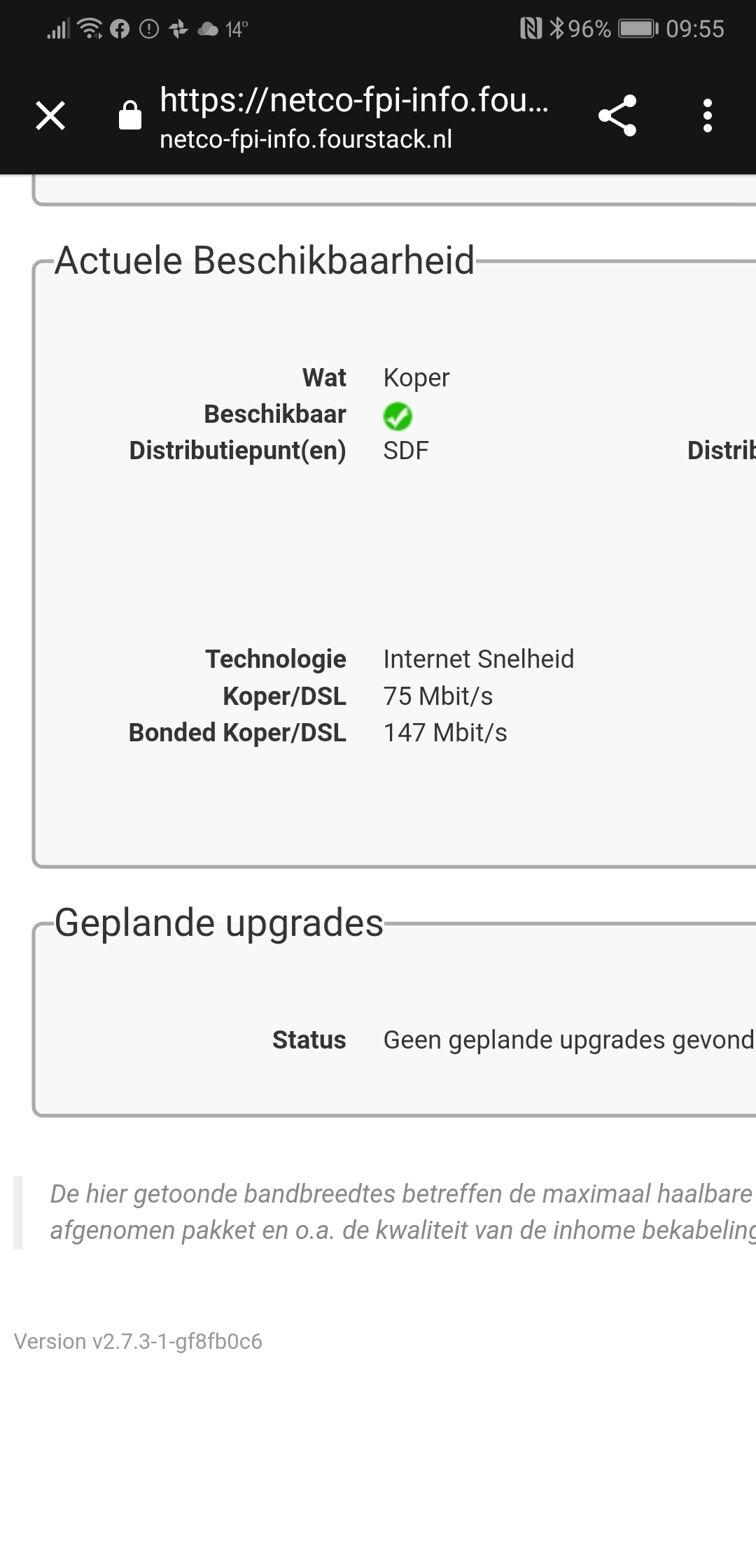
Can you check at https://netco-fpi-info.fourstack.nl/ what the maximum theoretical speed at your address should be?

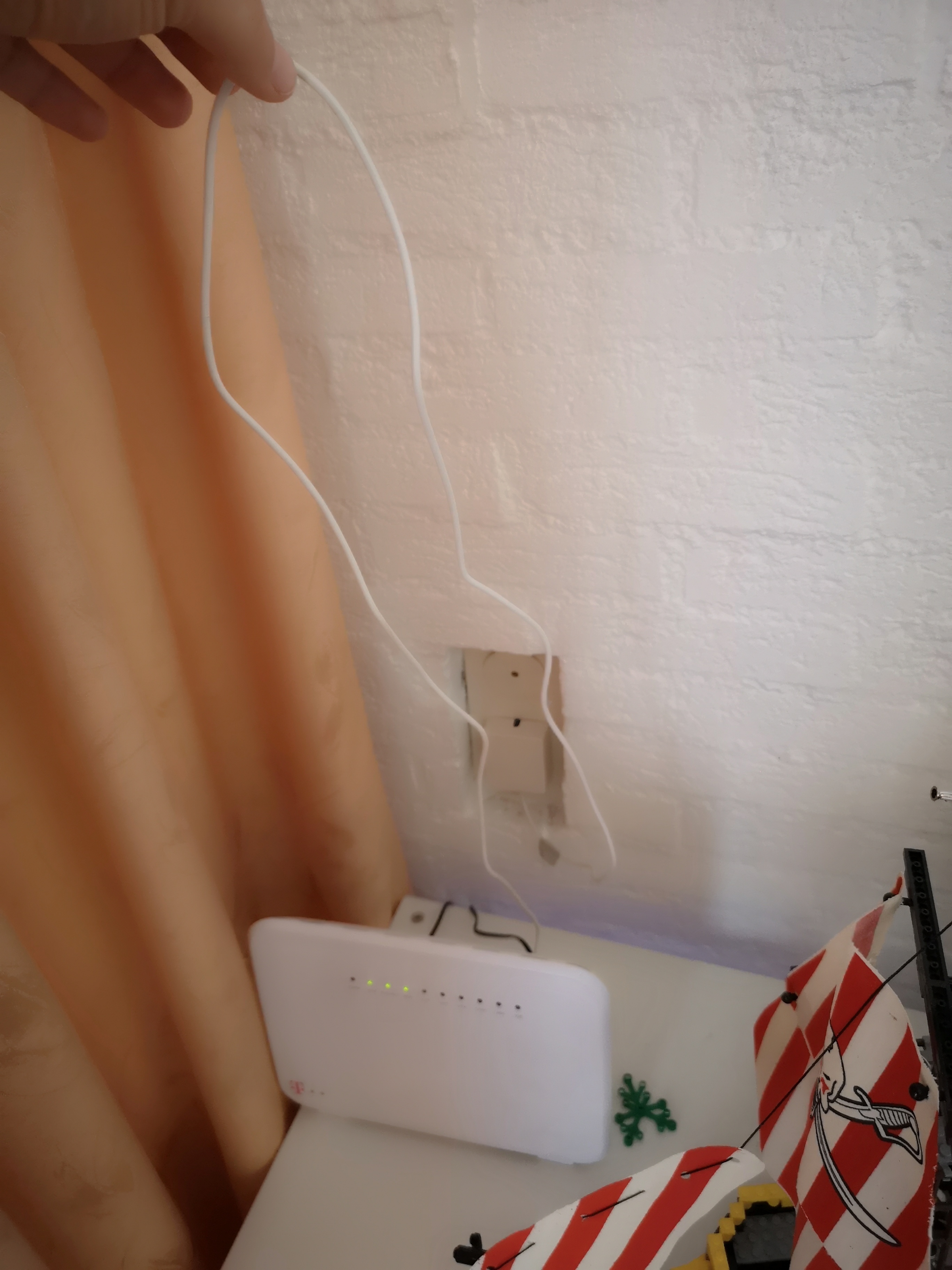
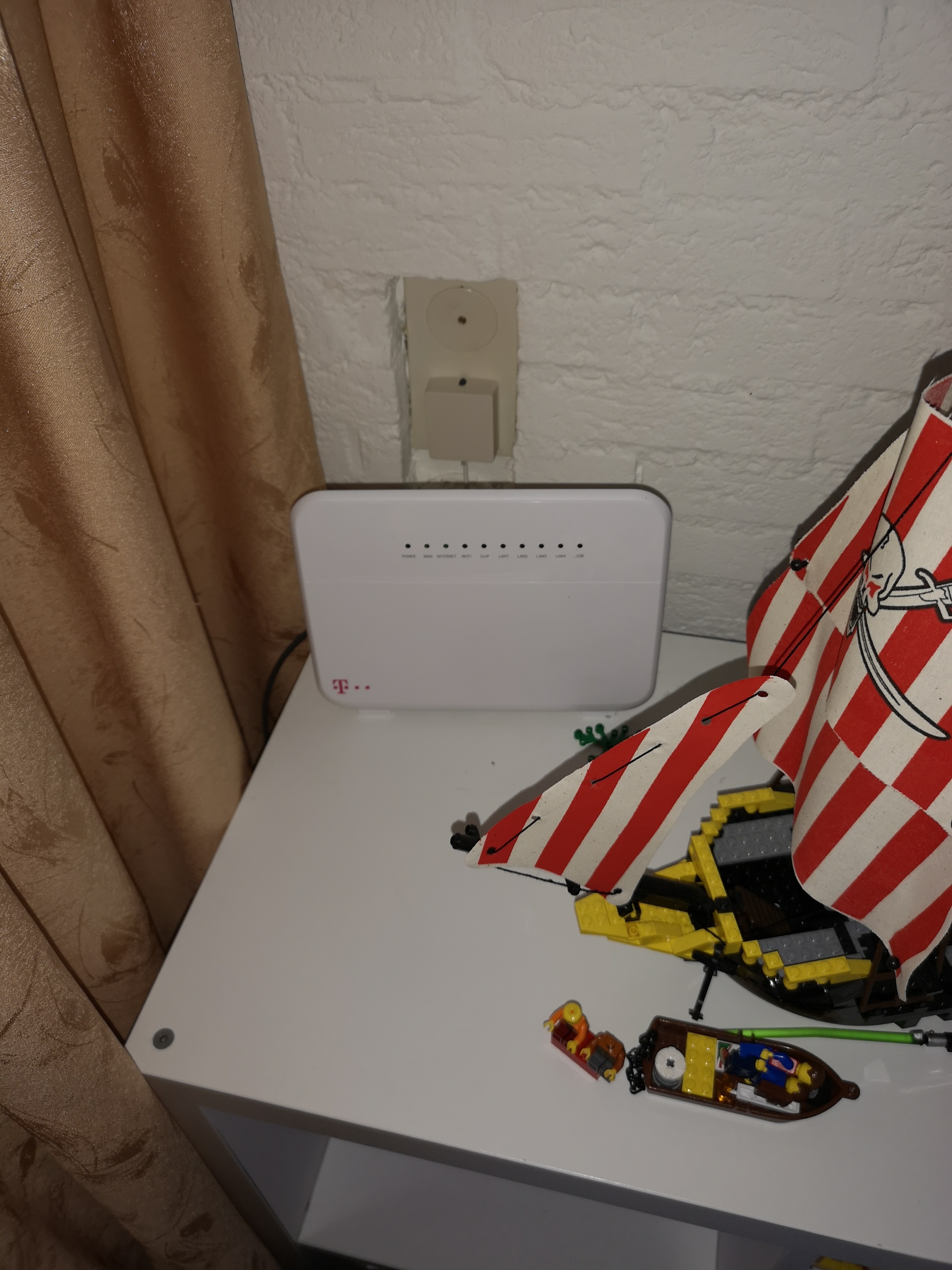
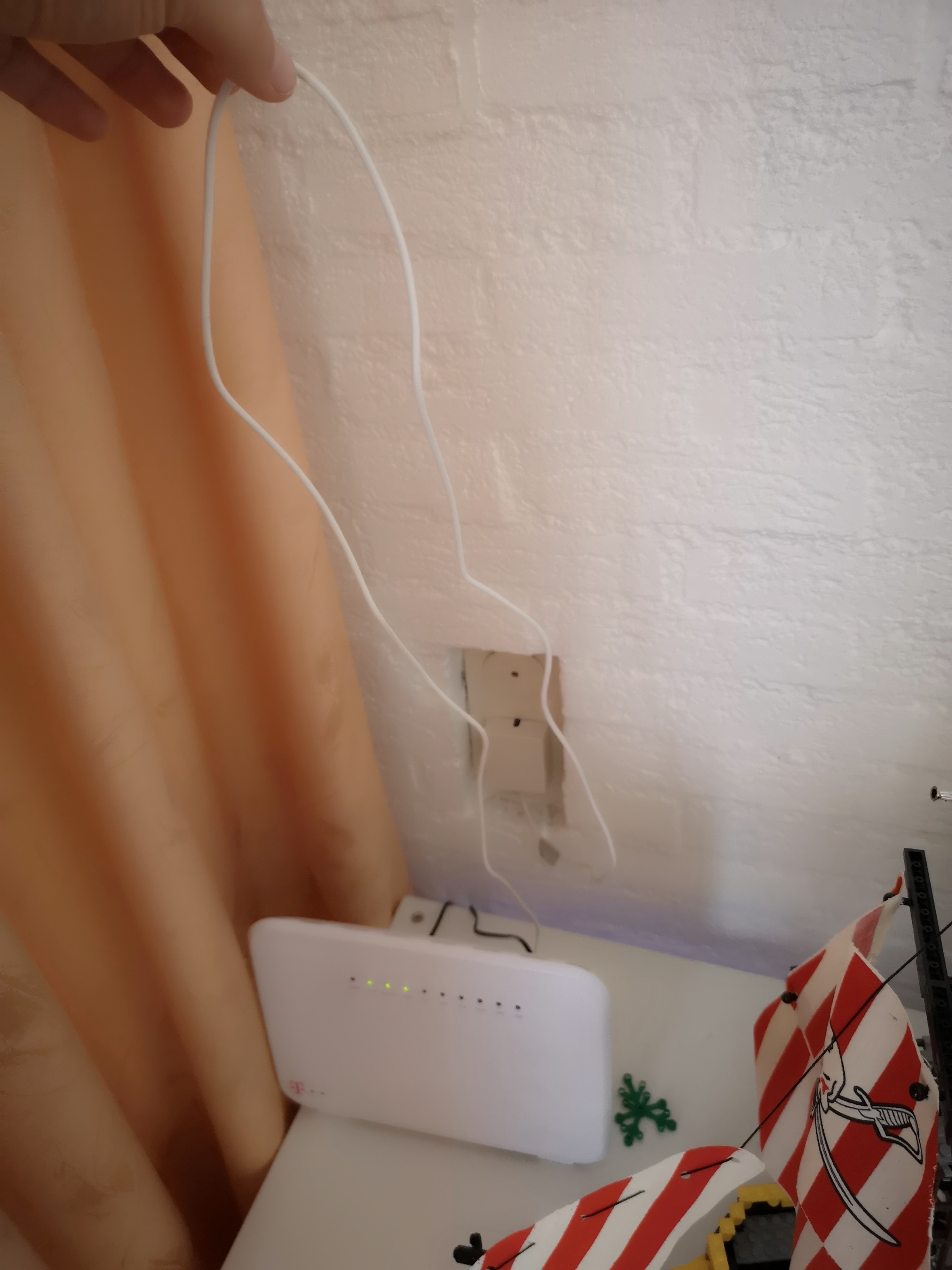
Can you tell me how your modem is connected to the ISRA point? How long is the DSL cable, how many connectors are used? It maybe helpful to add some photographs.


  • Auteur
  • is een Master Poster
  • November 5, 2019


  • Auteur
  • is een Master Poster
  • November 5, 2019

Connectors all is 10 but only at evening is connect 5-6 at one time. 


Folkert
Forum|alt.badge.img+3
  • Oud-SU
  • November 5, 2019

This looks like a problem in the DSL line. Did you install the modem yourself or was it done by a technician from T-Mobile?

If you have experience with electrics you can try to open the DSL wall outlet and check how the internal cabling looks like. Also check the cabling at the ISRA point which is located in the electricity cabinet in most more modern homes.

You could also try to place the modem close to the ISRA point and check if speed increases.

Otherwise make an appointment with a T-Mobile technician.


  • Auteur
  • is een Master Poster
  • November 5, 2019

All connection make technician from T-mobile. 

I have this internet from December last year, from fev monts have problem With speed.

Is that slowly, i can open site with speed test now. 


Marcel MCi
Forum|alt.badge.img+2
  • is een gewaardeerde antwoordgever
  • November 5, 2019

Hi zymel,

Did you try a factory reset of your modem?

(Press and hold a paperclip in the reset-hole for about 20 sec.)

After the modem started up, please test again.

Regards, Marcel


  • Auteur
  • is een Master Poster
  • November 6, 2019


  • Auteur
  • is een Master Poster
  • November 6, 2019

After reset. 


Candy
  • Oud-medewerkster
  • November 14, 2019

Hi @zymel, I’m here to help! Thank you for trying the tips that our Community users have given you (also thanks for the tips shared @Folkert and @Marcel MCi). I see in the screenshot that the speed is really below the internet speed that you’re supposed to have. As you mentioned that the problems are both with the cabled connection and Wifi, I want to know if this speed test is of the cabled connection or Wifi.


Can you make a new screenshot of a speed test of your whole screen or open the menu of Network status. I want to be able to show our back office that the speed measured is of the cabled connection. With your results of the speed test, I'll be able to help you further. I’ll be looking forward to your reply!


  • Auteur
  • is een Master Poster
  • November 17, 2019

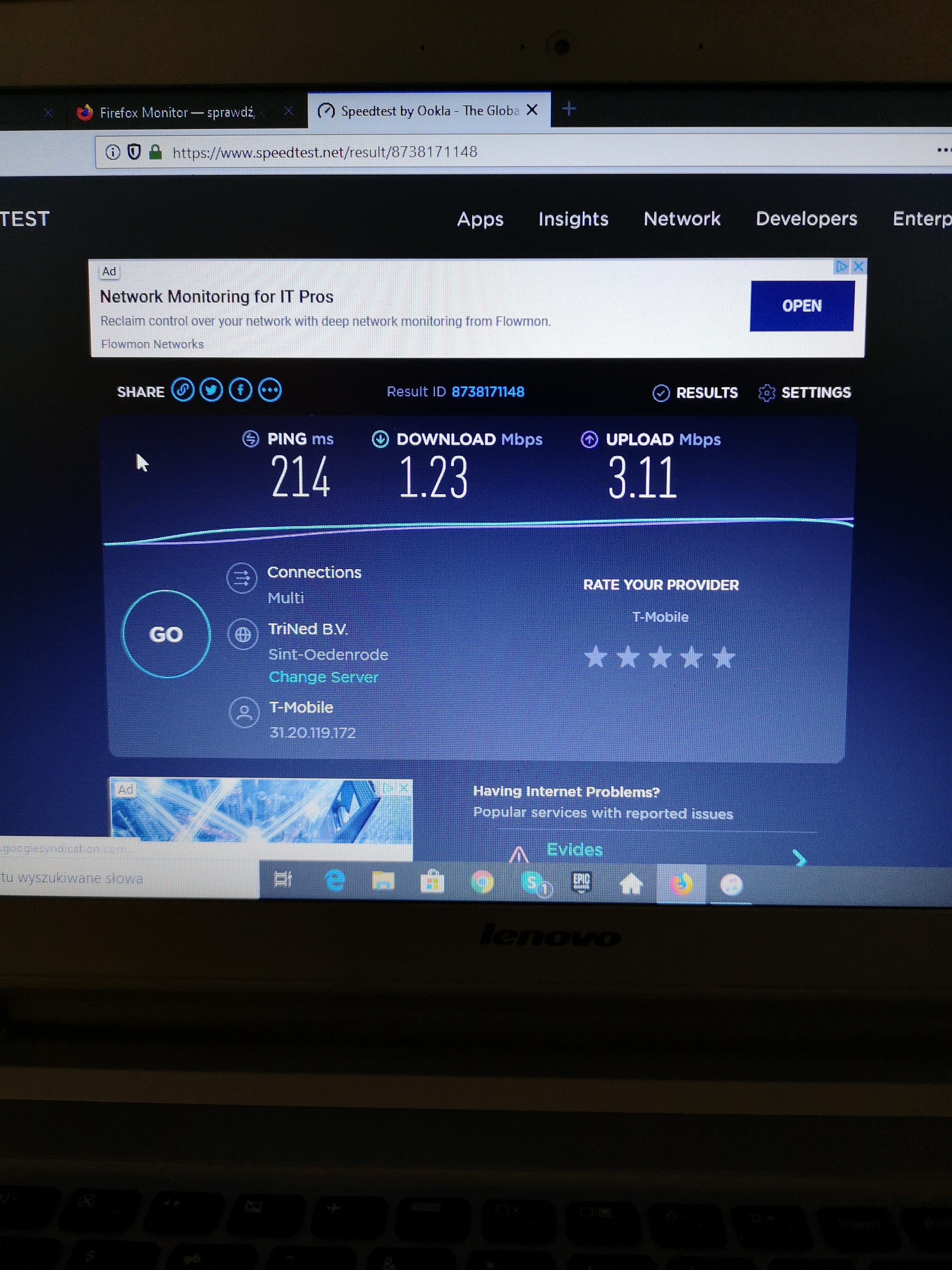
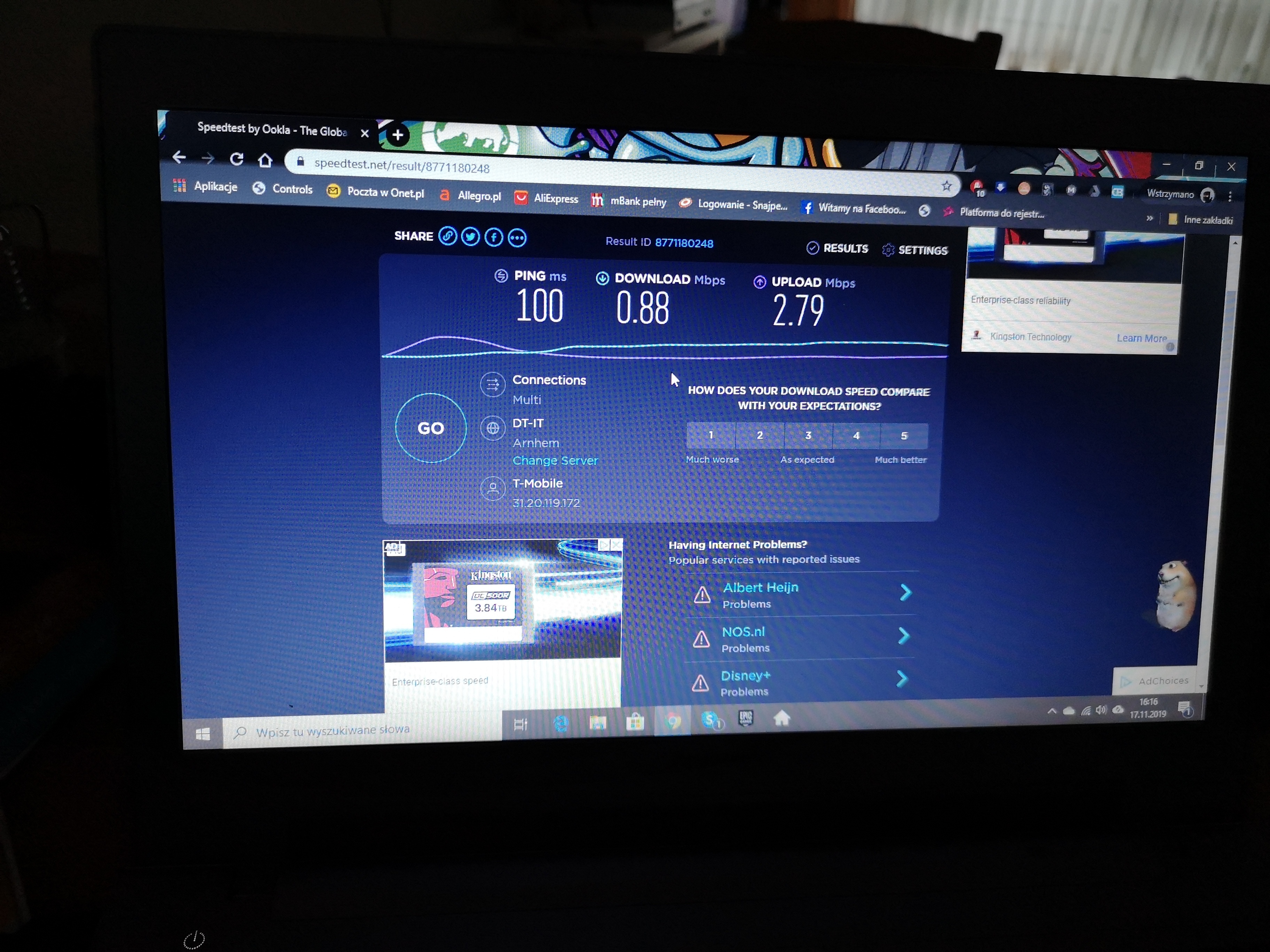
Hi, @Candy this is a wifi test


  • Auteur
  • is een Master Poster
  • November 17, 2019

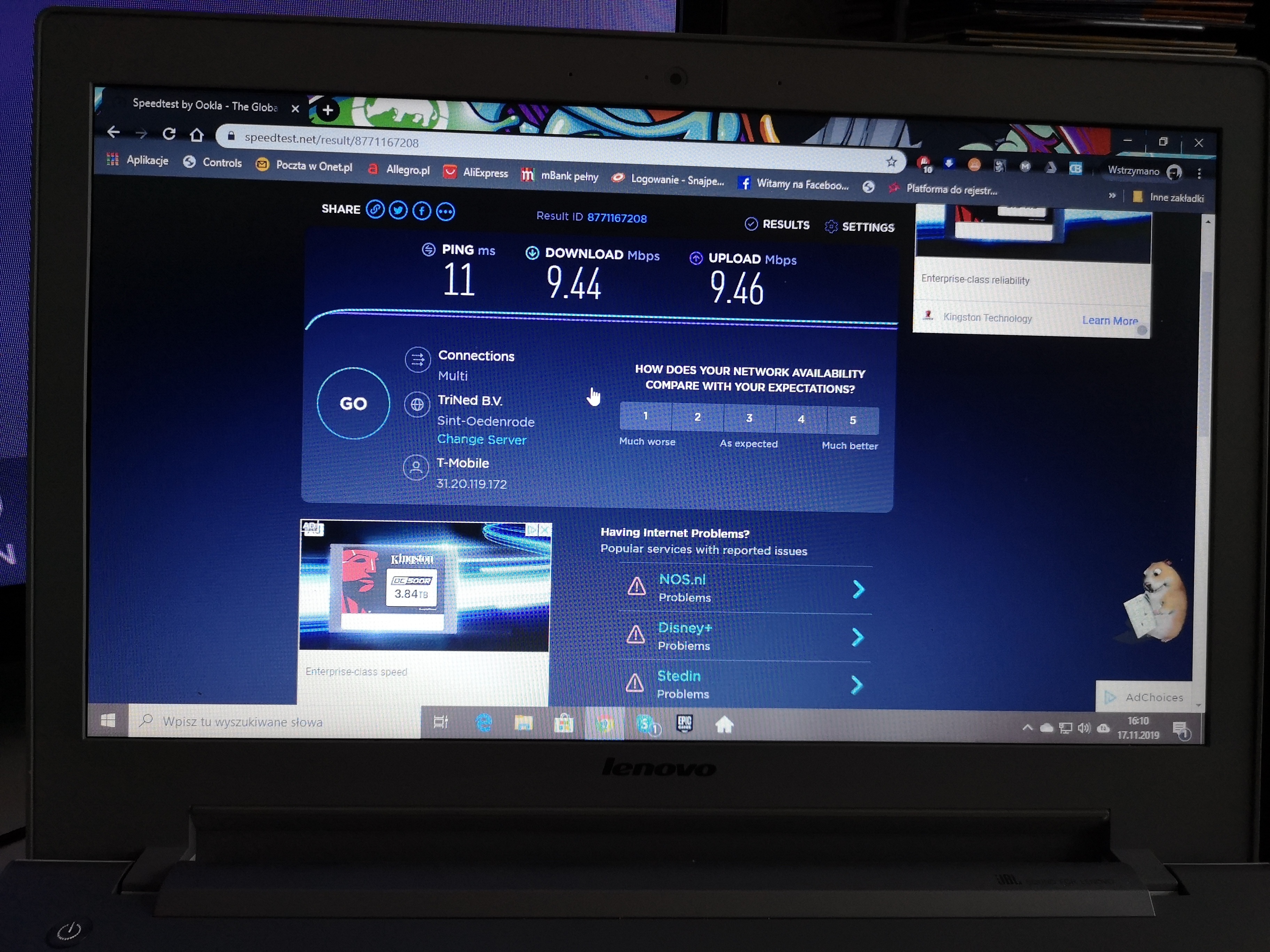
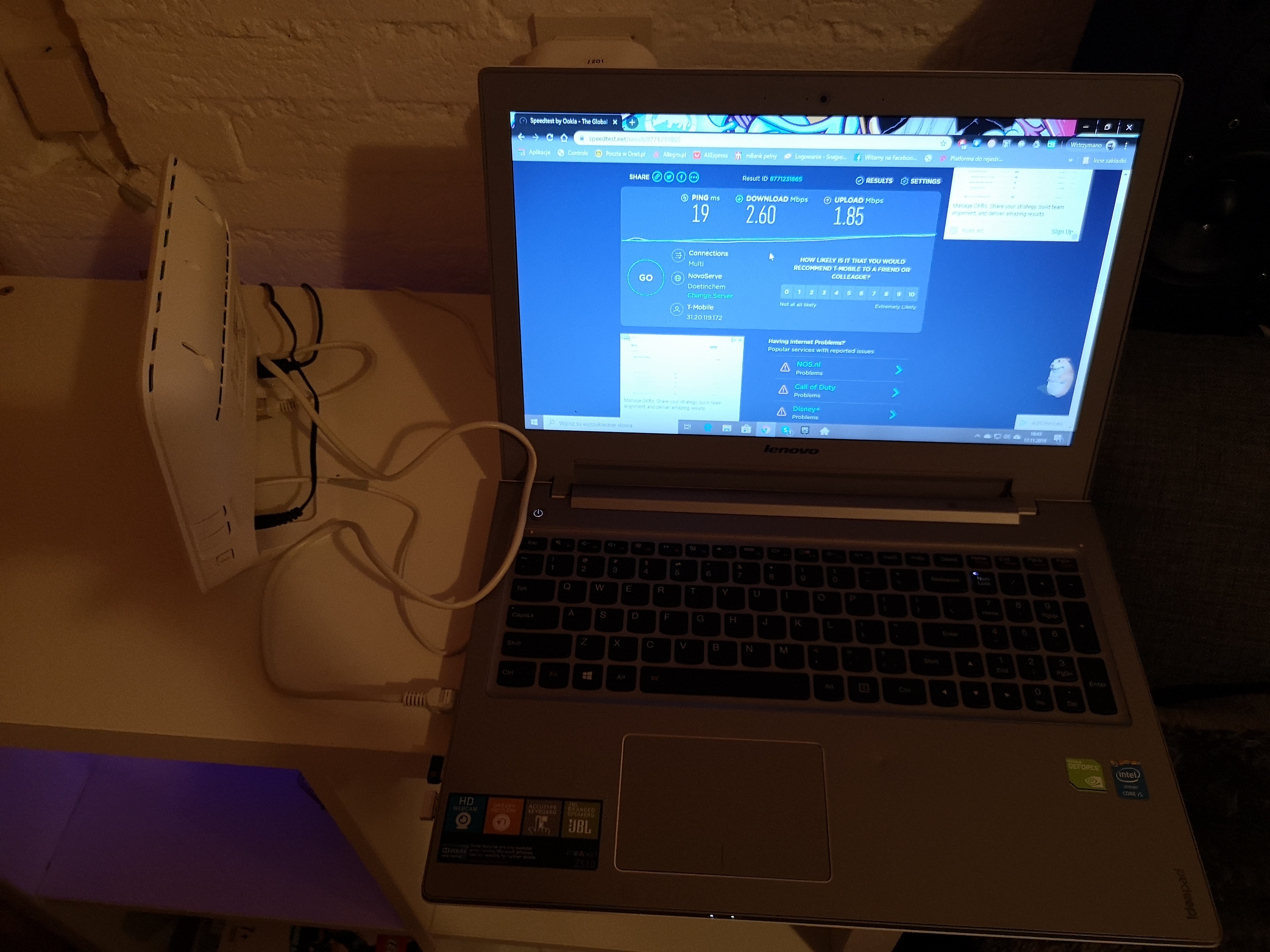
This is a cable test


  • Auteur
  • is een Master Poster
  • November 17, 2019

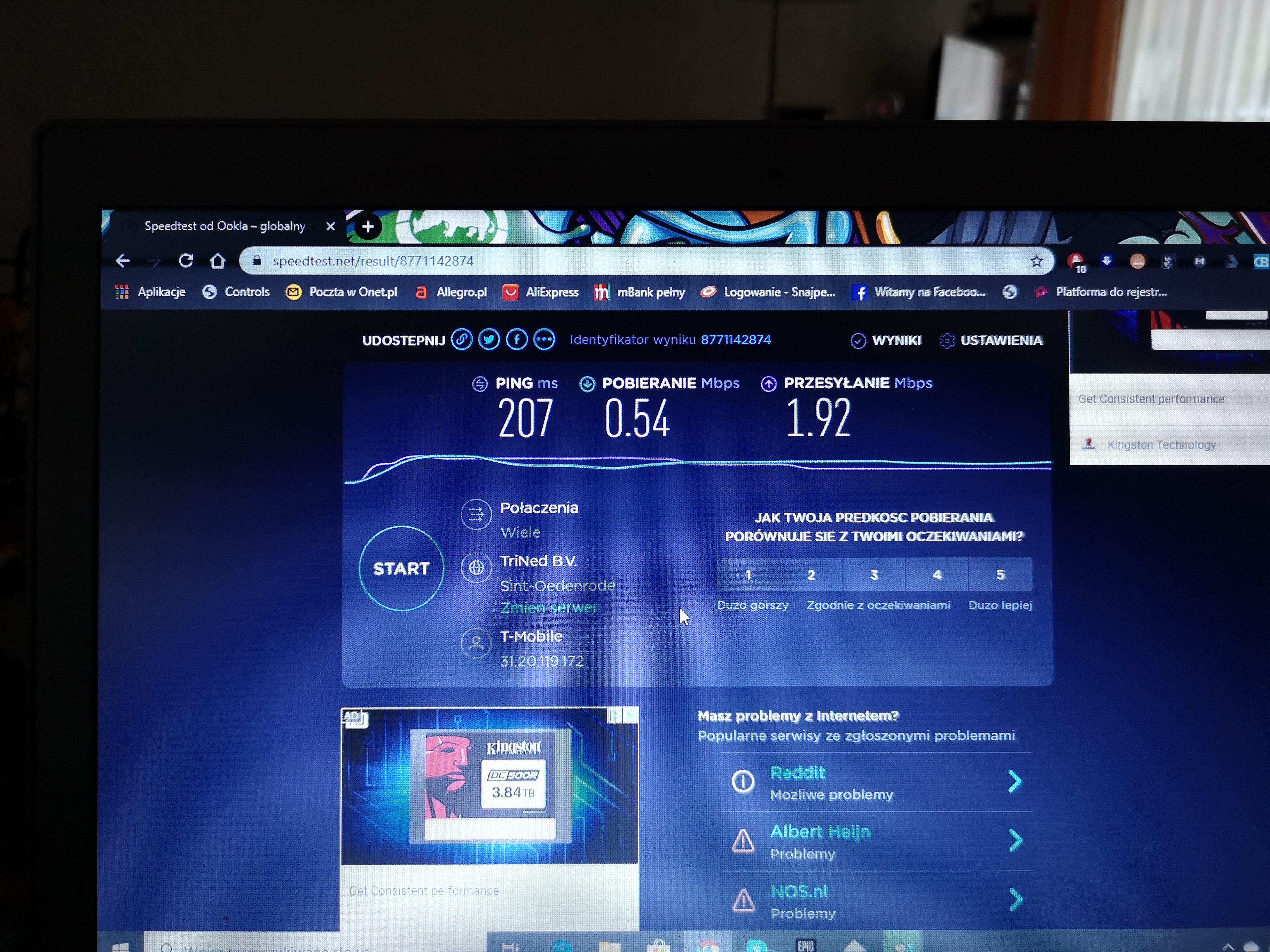
And this is another cable test on the same device like wifi test. 


  • Auteur
  • is een Master Poster
  • November 17, 2019

Another wifi test 


Waqqas
Super User
Forum|alt.badge.img+15
  • Odido Superuser
  • November 17, 2019

@zymel could you perform the cabled speedtest again via your laptop and make sure nothing else is connected to your modem, just your laptop and a screen shot of the whole screen please so the moderators can see its a cabled connection.


  • Auteur
  • is een Master Poster
  • November 17, 2019


  • Auteur
  • is een Master Poster
  • November 17, 2019

Wifi test after reset router and wifi card in laptop


  • Auteur
  • is een Master Poster
  • November 17, 2019

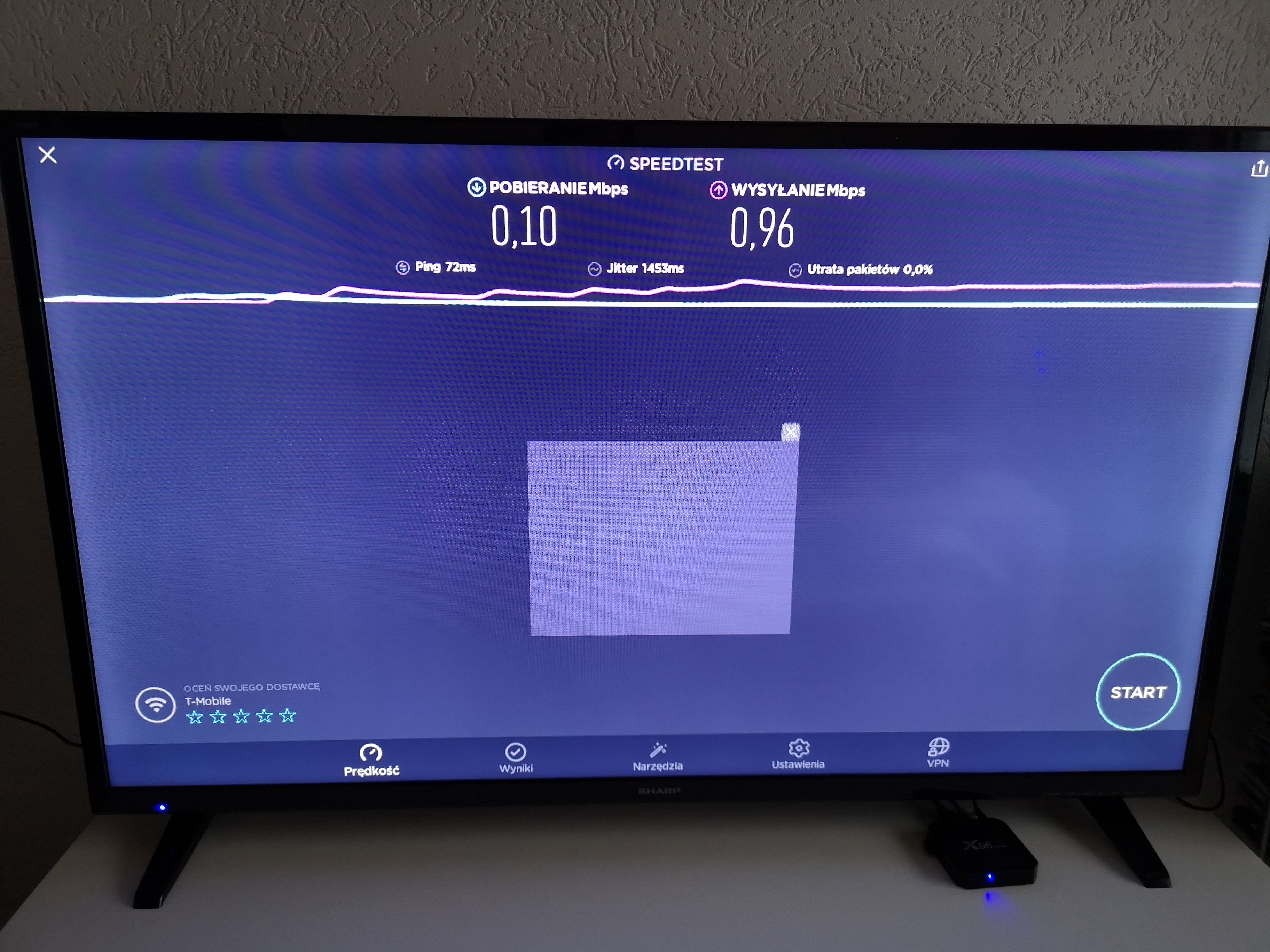
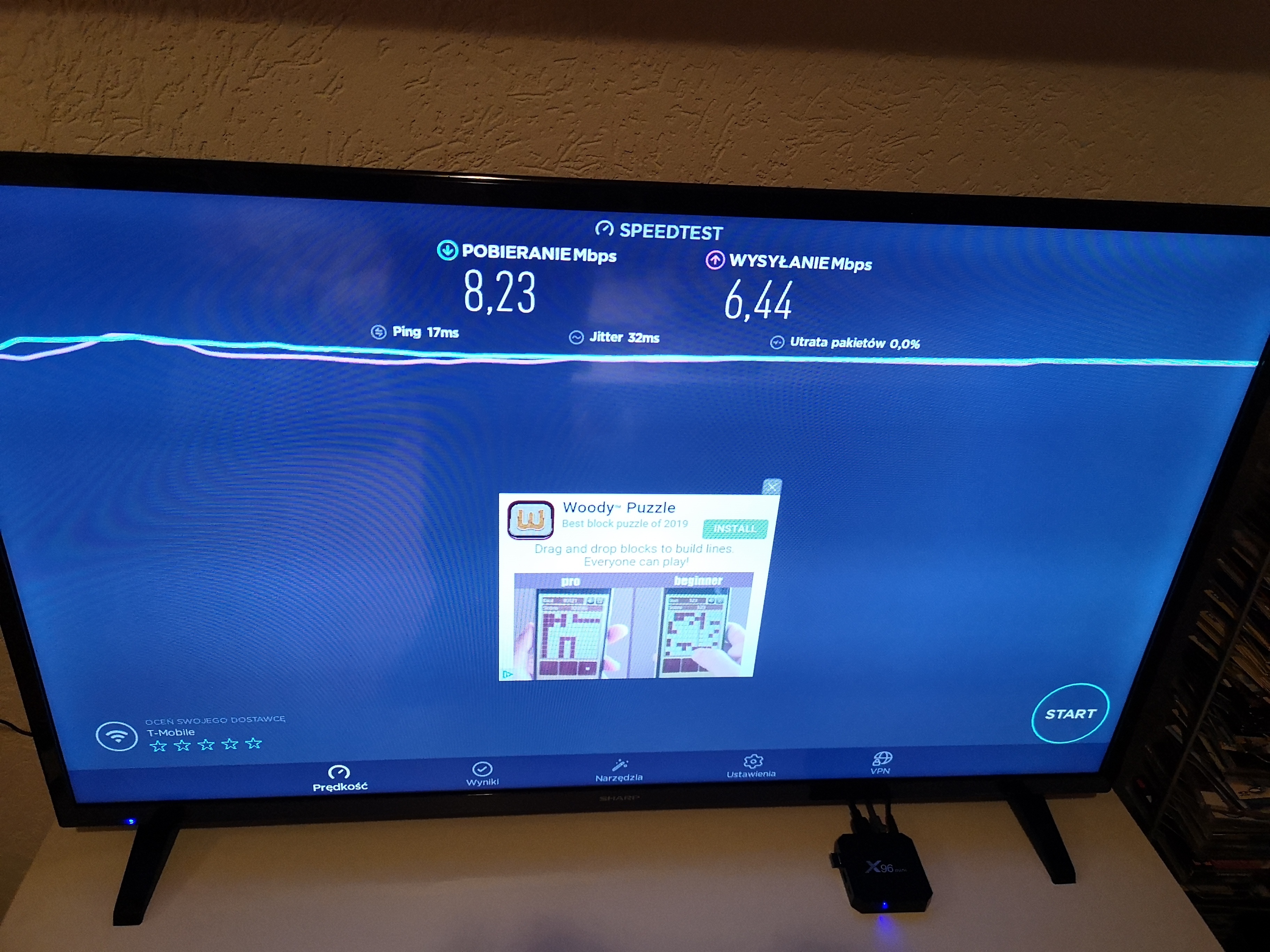
Wifi test after reset on tv box


Jason van Odido
Moderator
Forum|alt.badge.img+17

@zymel Hi there! Thanks so much for the screenshots! We’d like a screenshot of a speedtest performed with a cabled-connection, however. Can you make sure the UTP (internet) cable is connected to your laptop? Thanks in advance. :smile:


  • Auteur
  • is een Master Poster
  • November 20, 2019


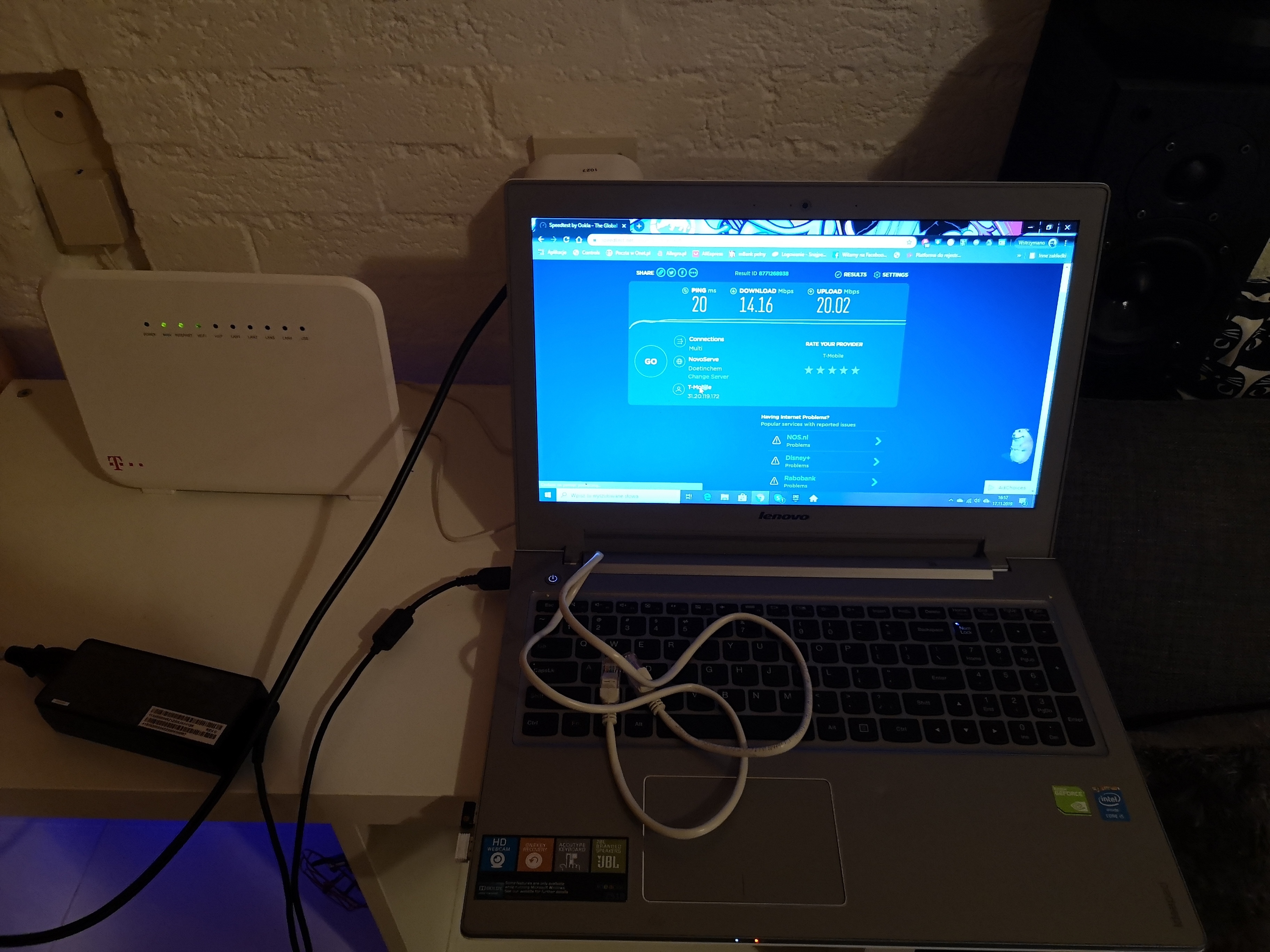
Hire is cable test and seeing connect cable from router to laptop.


Brian
Odido
  • Oud-Moderator
  • November 22, 2019

Hi @zymel, thank you for your patience and the speedtests. I’ve contacted our second line technical support and they will contact you. I suspect we will send over a technician to check the connection and possibly replace the modem.


  • Auteur
  • is een Master Poster
  • November 22, 2019

Dank u well


Brian
Odido
  • Oud-Moderator
  • Antwoord
  • November 25, 2019

Hi @zymel, as expected we are sending over a technician, our partner Guidion will contact you to make an appointment!