Beantwoord

No internet connection after technical issues in Amsterdam region


Hello!

I’ve been a customer for 2 and half years. I have always used my own modem without problems. At the moment, I use a Netgear Orbi router with the VLAN 300 configuration.

However, yesterday (June 3rd) I was affected by the Internet outage in the Amsterdam region. Now, the Orbi router doesn’t get a IP address from T-Mobile via DHCP. I have reset the router several times and the black media converter as well, following the guides you have.

Any suggestions you may have? I have checked the router configuration, and the VLAN is still there. I haven’t made other changes since in the past it worked fine.

Thanks in advance!

 

Beste antwoord door Waqqas

Hello @skylark 

I don't rhink it's to dofficult to configure the Orbi? Could you try a reset and configure it again?

Bekijk origineel
Er kunnen geen reacties meer worden geplaatst op dit onderwerp.

7 reacties

eric
Super User
Forum|alt.badge.img+14
  • Odido Superuser
  • June 4, 2022

The best idea is first to connect the Zyxell modem again. If that also fail customer care can help.


  • Auteur
  • is een Top Poster
  • June 4, 2022

Thanks Eric! I will give it a try 


  • Auteur
  • is een Top Poster
  • June 4, 2022

I plugged the Zyxel modem. I got Internet connection. I reconnected the Orbi router, but I still don’t get an IP address.

i will contact customer care.

Thanks again!


  • Auteur
  • is een Top Poster
  • June 4, 2022

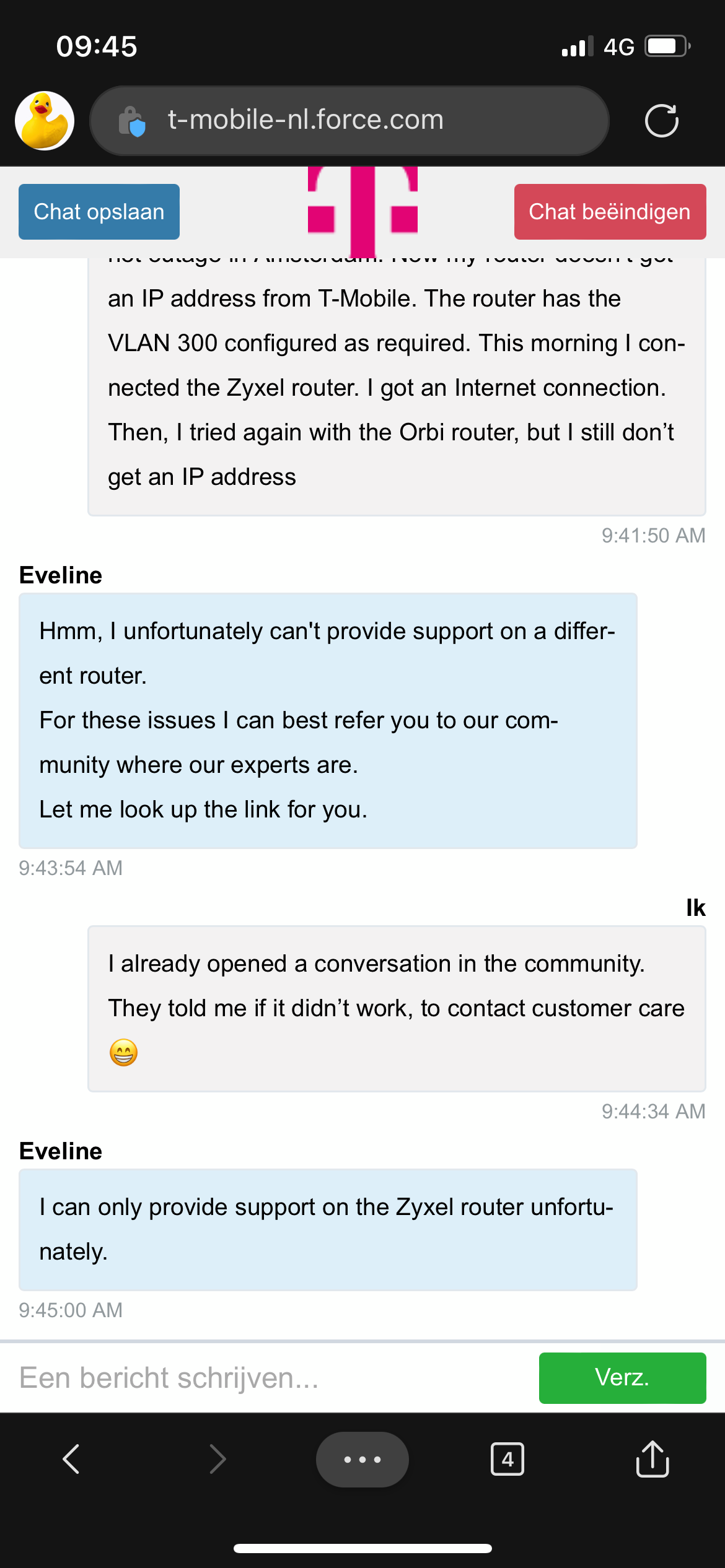
I contacted customer care. I was told only the community can help with custom routers. Do you have any other suggestions?


Waqqas
Super User
Forum|alt.badge.img+15
  • Odido Superuser
  • Antwoord
  • June 4, 2022

Hello @skylark 

I don't rhink it's to dofficult to configure the Orbi? Could you try a reset and configure it again?


  • Auteur
  • is een Top Poster
  • June 4, 2022

Thanks Waqqas. I will give it a try. At the moment I’m out of the house. When I’m back, I will do it.


  • Auteur
  • is een Top Poster
  • June 4, 2022

Hi @Waqqas,

Thanks for the advice. Resetting the router to factory settings and putting the VLAN 300 configuration did the trick. Finally back online.

Have a nice weekend!