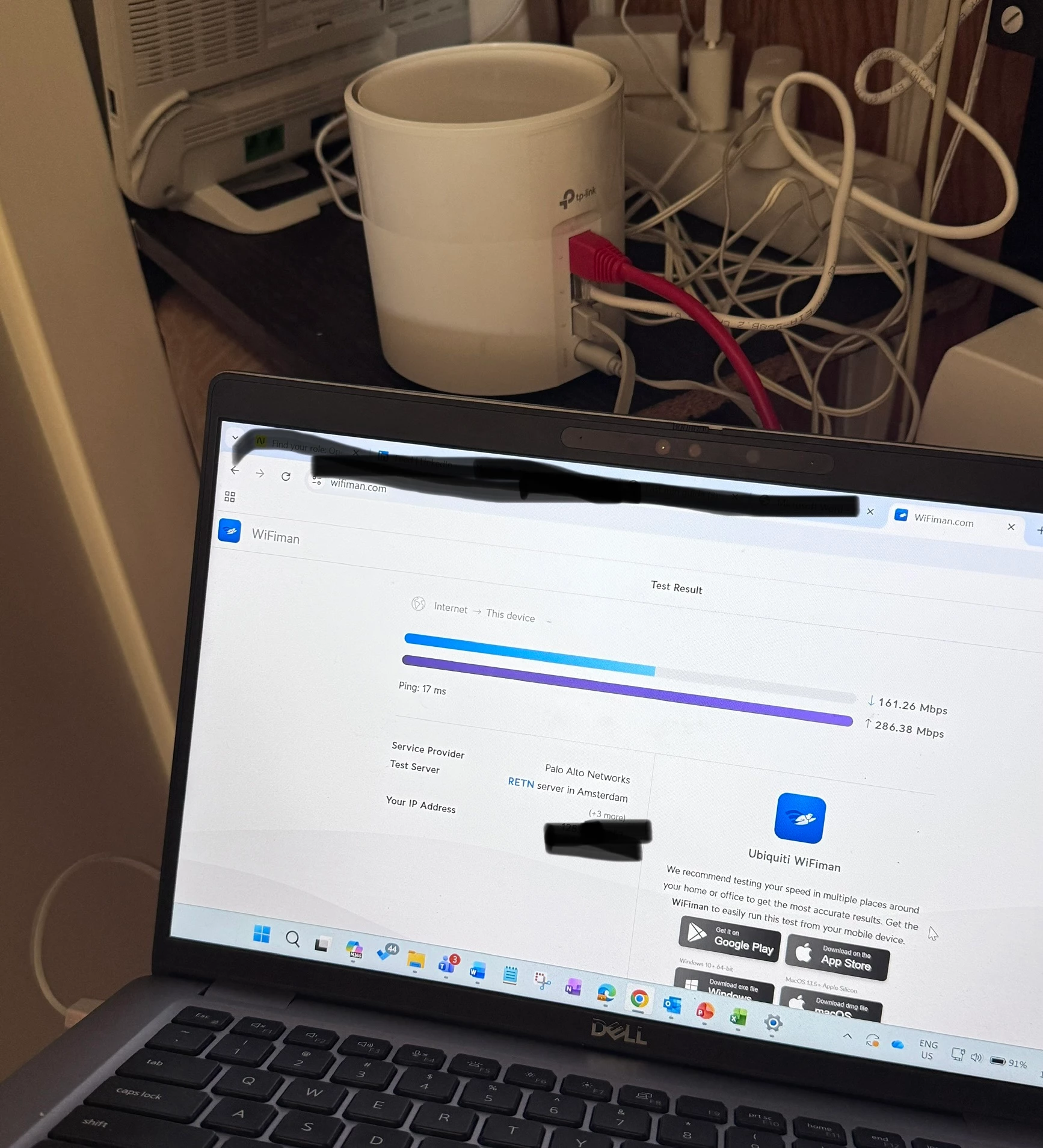
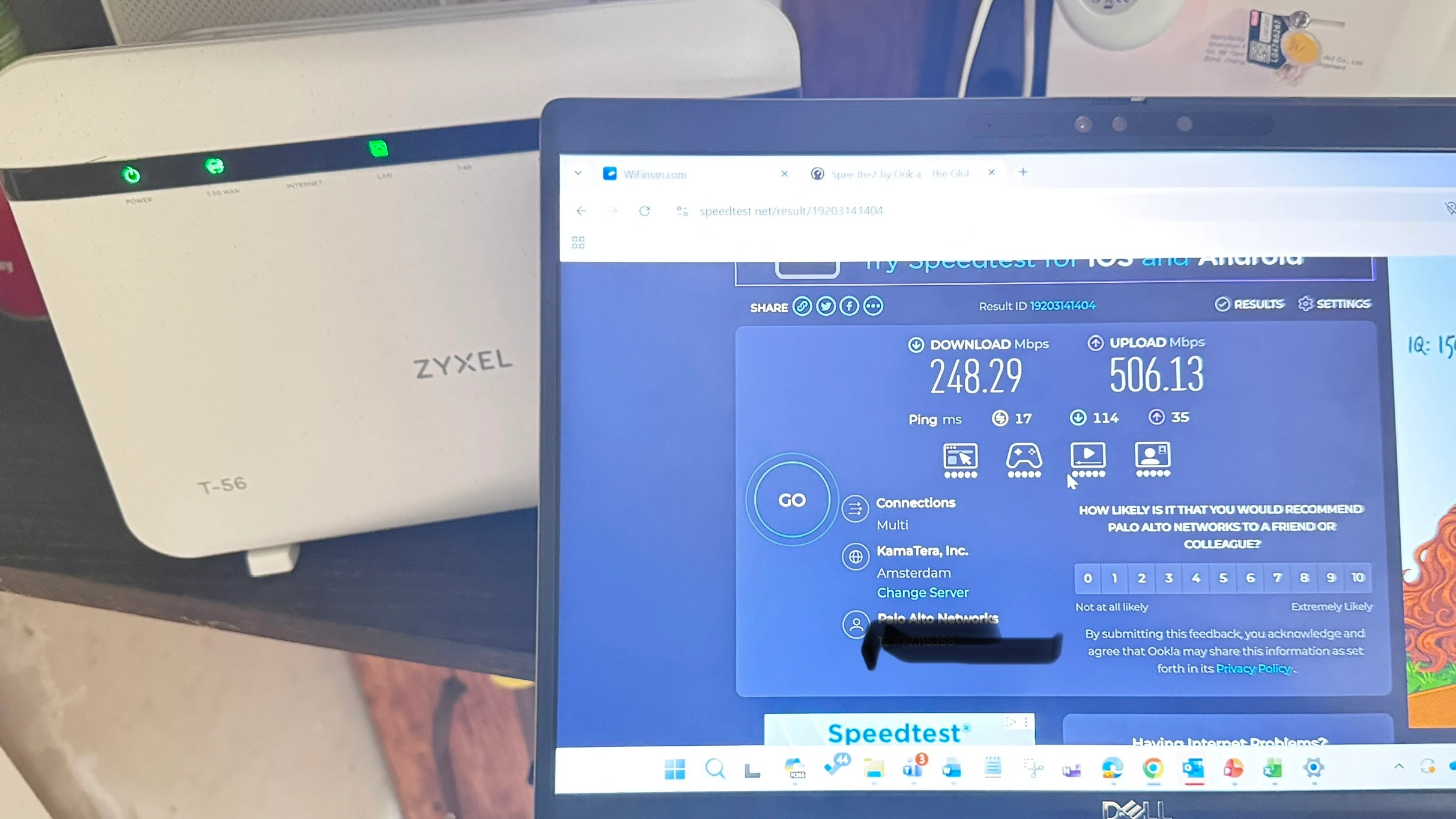
Thank you. Unfortunately, I do not have any other device and I cannot disable the VPN client on current laptop.
What would you recommend that I do - possibly request a odido technician to come and troubleshoot all this?
Why would a Odido technician be able to troubleshoot this? He or she will determine that you are doing a speedtest over a VPN and determine that that is the cause of the speed limitation. The dropped connection could also be due to the VPN.
Why can’t you disable the VPN yourself?
(and if it’s a corporate laptop, contact your technical department and let them look at the problem)
Anyway… using a VPN almost always limits your speed. So if you have to use that VPN, then you are stuck using that speed. Then there is really no advantage for you to have a 1Gbps subscription.
The maximum speed of a Palo Alto GlobalProtect VPN connection is not fixed; it is primarily limited by the corporate firewall's capacity and your employer's configuration. While GlobalProtect software itself can support theoretical gigabit+ speeds, practical limits range from 50 Mbps to 500+ Mbps per user!