Internet and wifi not working


Suddenly from few hours ago today, internet and wifi started not working.

Can someone help me to figure out what the problem is?

February 25, 2025

​@Seongjin You Good that you’ve found this topic and reached out to us. My apologies your connection is not working as it should. Of course, I will gladly help you to resolve this! 

I’ve immediately taken a look at your connection, and luckily, I don’t detect any faults on the line. I do however see that the router has not been disconnected in the past 5 days. Can you restart your router and the ONT (fiber optic box)? In this topic you see exactly how to do this: Reboot modem | Odido community. 

Can you let me know if this has resolved the issue? I’m always happy to further assist!

13 reacties

Waqqas
Super User
Forum|alt.badge.img+15
  • Odido Superuser
  • February 19, 2025

Hello ​@Seongjin You 

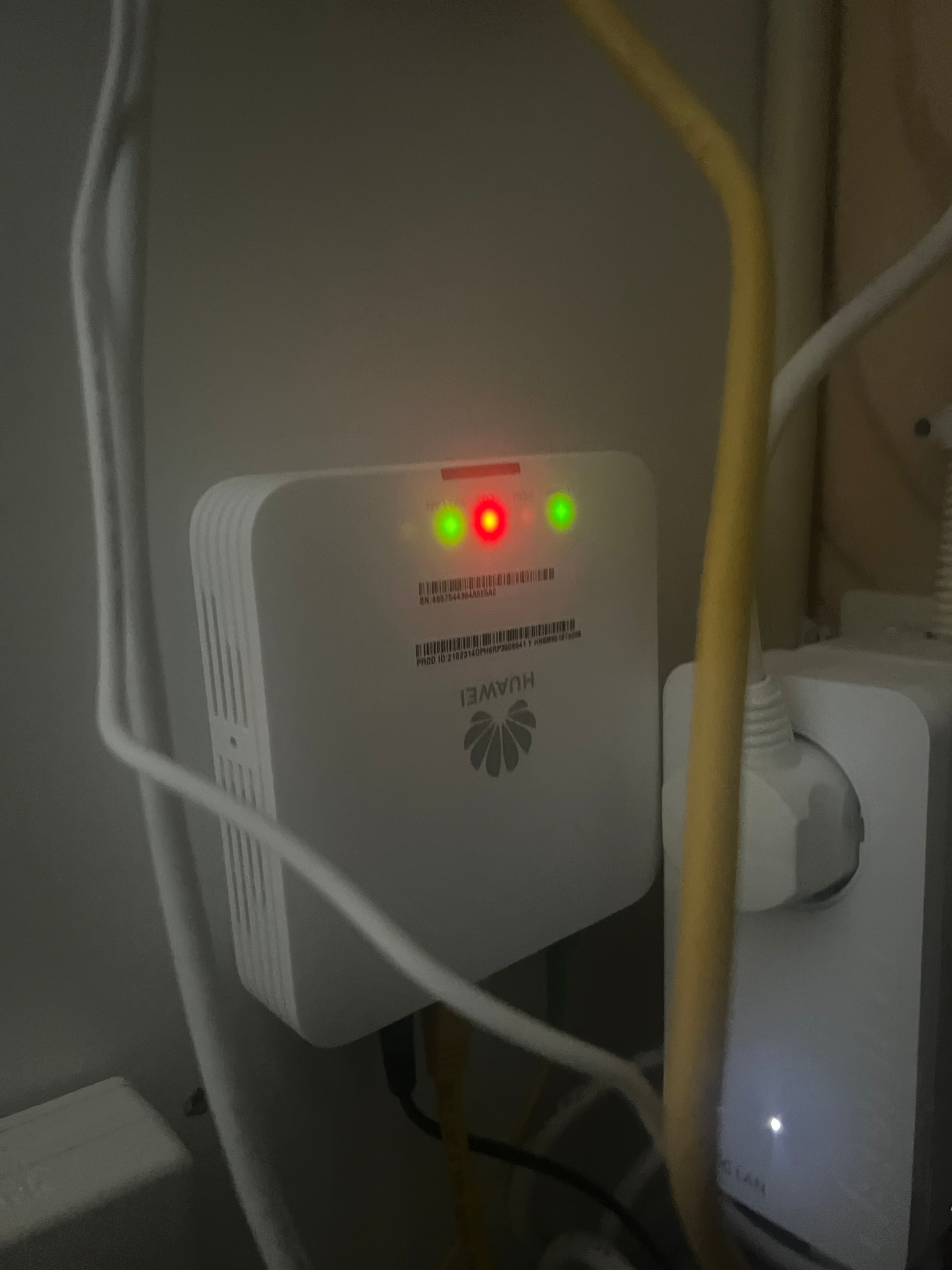
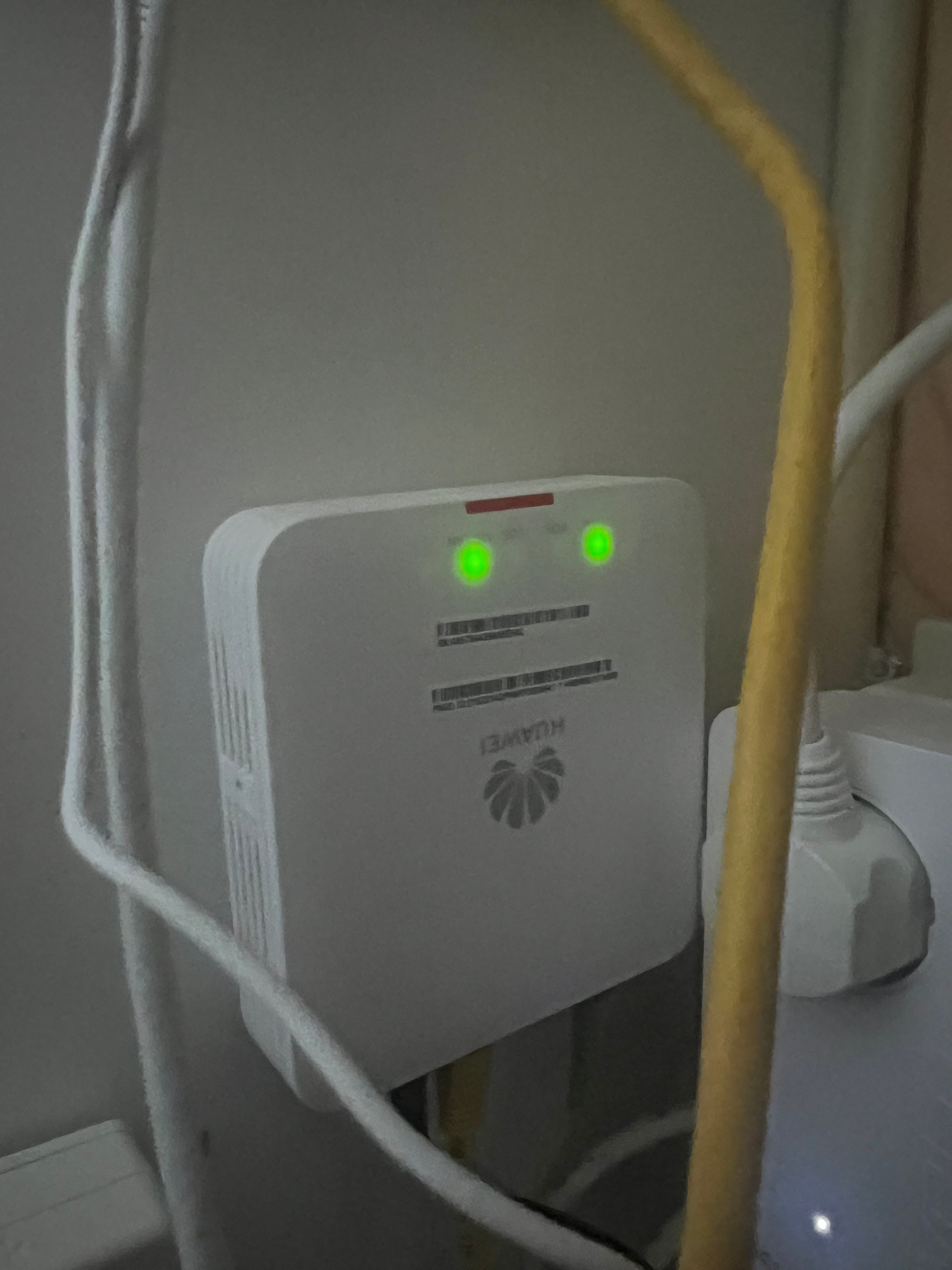
Is the PON light blinking on the Huawei device? Maybe try restarting the Huawei device.


  • Auteur
  • is een Master Poster
  • February 19, 2025

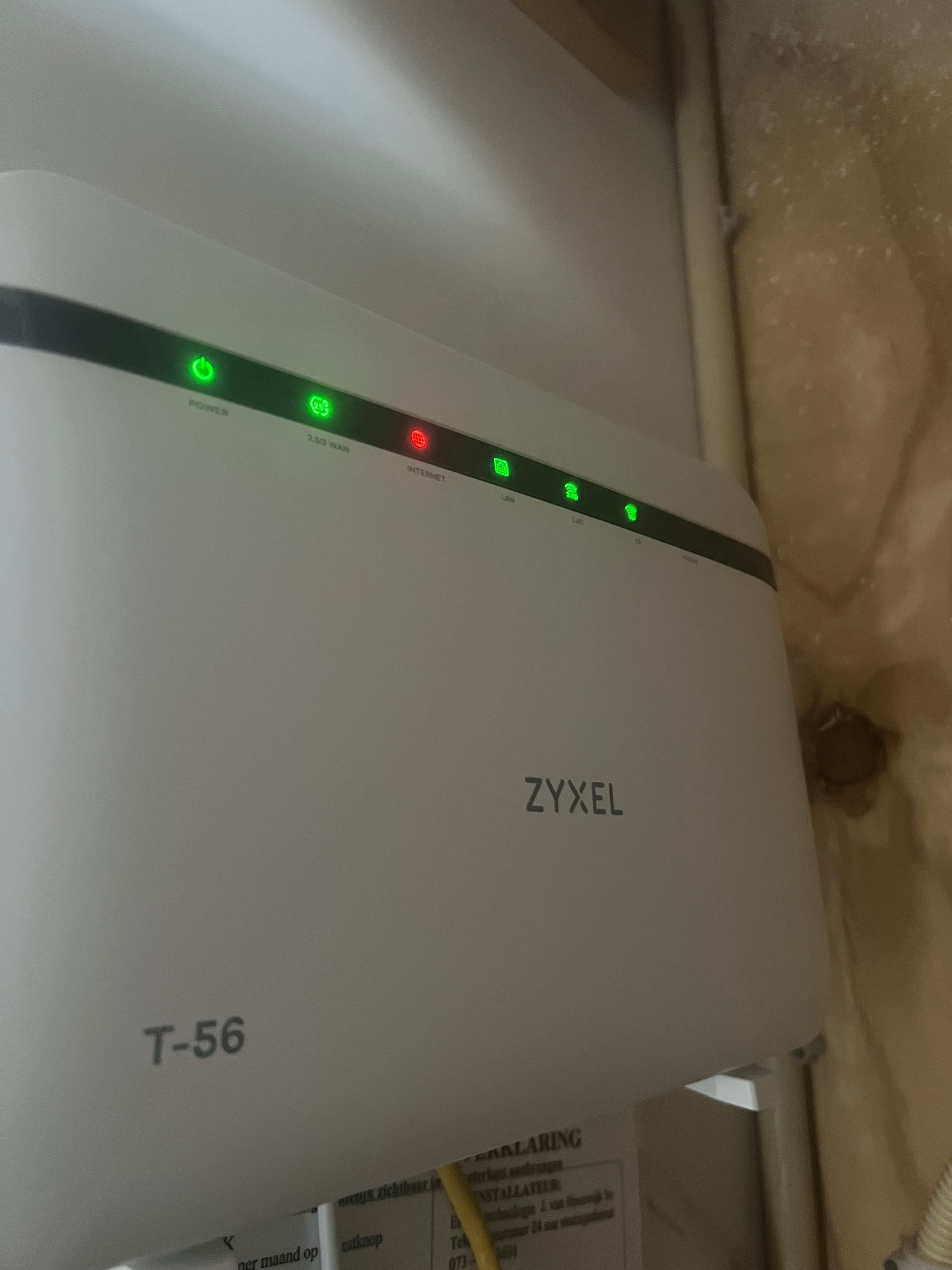
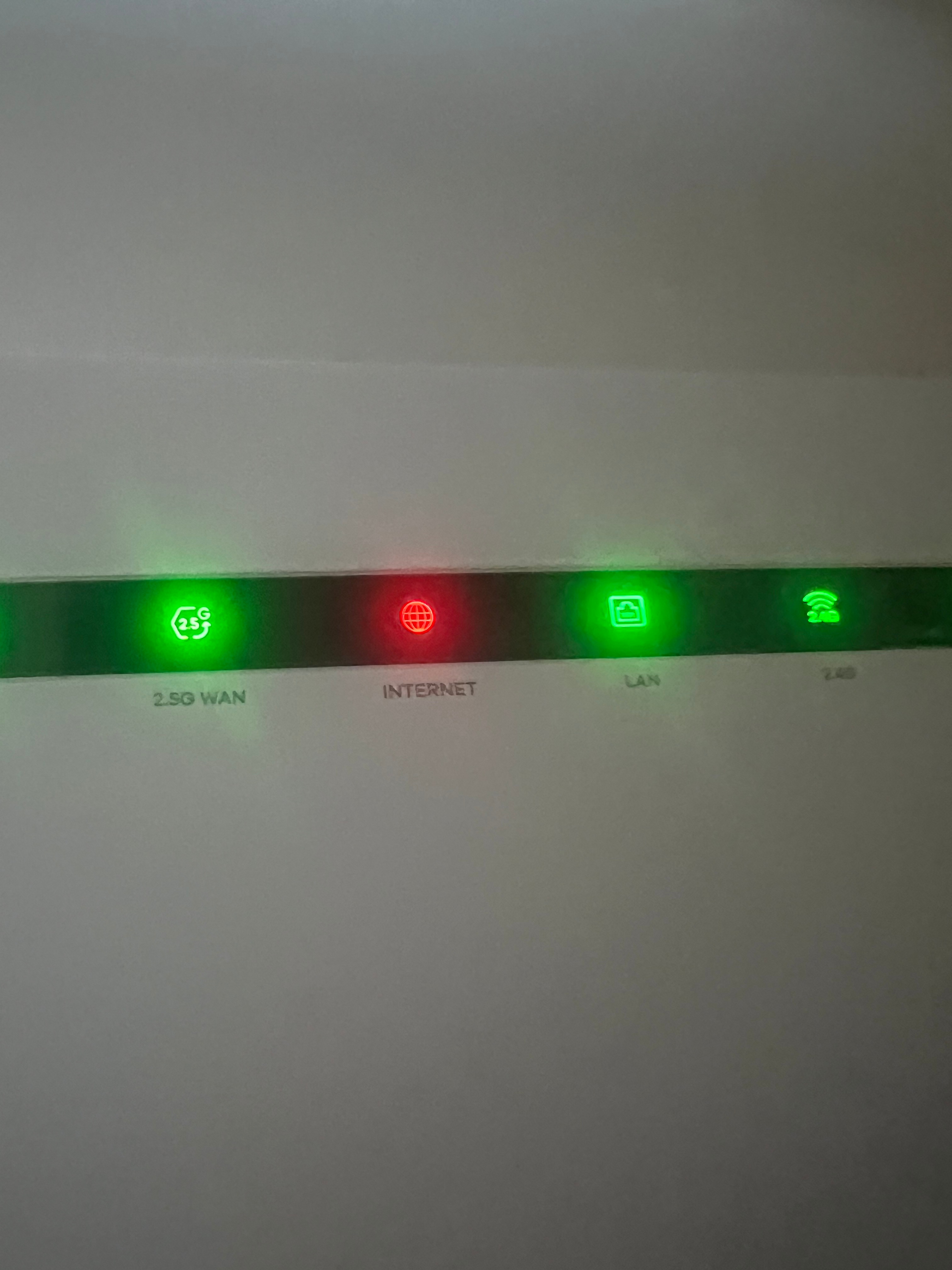
Red light is missed on the previous picture so I attached it again. All routers are showing red light. 
 

I have power off and on the Zyxel already but it is same. I have waited for 2 hours but still not working. 


  • Auteur
  • is een Master Poster
  • February 19, 2025

I have powered off and on the Huawei but it is still same with red light. 


Waqqas
Super User
Forum|alt.badge.img+15
  • Odido Superuser
  • February 19, 2025

​@Seongjin You 

That means that there is no signal, have you checked your Odido account under storingen to see if there is a known issue at your address?


  • Auteur
  • is een Master Poster
  • February 19, 2025

Hi,

I am not sure what you mean. What should I check to see my odido account under storingen?

For about issue, also, I do not know what to see. At least, I have checked my neighbor who is using T-mobile internet(perhaps now it is also odido) and they have not faced any issue at all right now.

My problem has been appeared suddenly while I was using internet very well so I do not know if something on my account has been touched. 


Waqqas
Super User
Forum|alt.badge.img+15
  • Odido Superuser
  • February 19, 2025

​@Seongjin You 

Do you live in Rotterdam? See This link.

Also see this page.


  • Auteur
  • is een Master Poster
  • February 19, 2025

Hi,

I am living in Eindhoven. I have checked problem report through your second link but it says nothing has been reported for now. Just in case, I have disconnected both cable for Huawei and Zyxel for more than 10 sec and connected those again. Symptom is still same.


  • Auteur
  • is een Master Poster
  • February 20, 2025

Please help. It is still not working. 


  • Auteur
  • is een Master Poster
  • February 20, 2025

I have got technical support through call and supporter fixed my issue remotely.


Tommie van Odido
Moderator
Forum|alt.badge.img+13

Hi ​@Seongjin You, of course, I want you to get back online as soon as possible.

So I am happy to check with you. Would you please complete your profile with your postcode, house number, date of birth and the last four digits of your bank account number? Then I can take a look with you. Thank you in advance! 


  • Auteur
  • is een Master Poster
  • February 24, 2025

Hi ​@Tommie van Odido 


I have filled my information to my profile. I start to face same issue from few minutes ago. Can you help me?


  • Auteur
  • is een Master Poster
  • February 24, 2025

Hi ​@Tommie van Odido 


Internet is now again online but I am wondering if you can detect anything wrong on my internet connection. Please let me know if you can see something. 

Thank you.


Teresa van Odido
Moderator
Forum|alt.badge.img+5

​@Seongjin You Good that you’ve found this topic and reached out to us. My apologies your connection is not working as it should. Of course, I will gladly help you to resolve this! 

I’ve immediately taken a look at your connection, and luckily, I don’t detect any faults on the line. I do however see that the router has not been disconnected in the past 5 days. Can you restart your router and the ONT (fiber optic box)? In this topic you see exactly how to do this: Reboot modem | Odido community. 

Can you let me know if this has resolved the issue? I’m always happy to further assist!