Internet and wifi not working

  • feb 19, 2025 3:27 p.m. UTC
  • 13 reacties
  • 334 Bekeken

Suddenly from few hours ago today, internet and wifi started not working.

Can someone help me to figure out what the problem is?

feb 25, 2025 11:11 a.m. UTC

​@Seongjin You Good that you’ve found this topic and reached out to us. My apologies your connection is not working as it should. Of course, I will gladly help you to resolve this! 

I’ve immediately taken a look at your connection, and luckily, I don’t detect any faults on the line. I do however see that the router has not been disconnected in the past 5 days. Can you restart your router and the ONT (fiber optic box)? In this topic you see exactly how to do this: Reboot modem | Odido community. 

Can you let me know if this has resolved the issue? I’m always happy to further assist!

13 reacties

Waqqas
Super User
Forum|alt.badge.img+15
  • Odido Superuser
  • feb 19, 2025 3:33 p.m. UTC

Hello ​@Seongjin You 

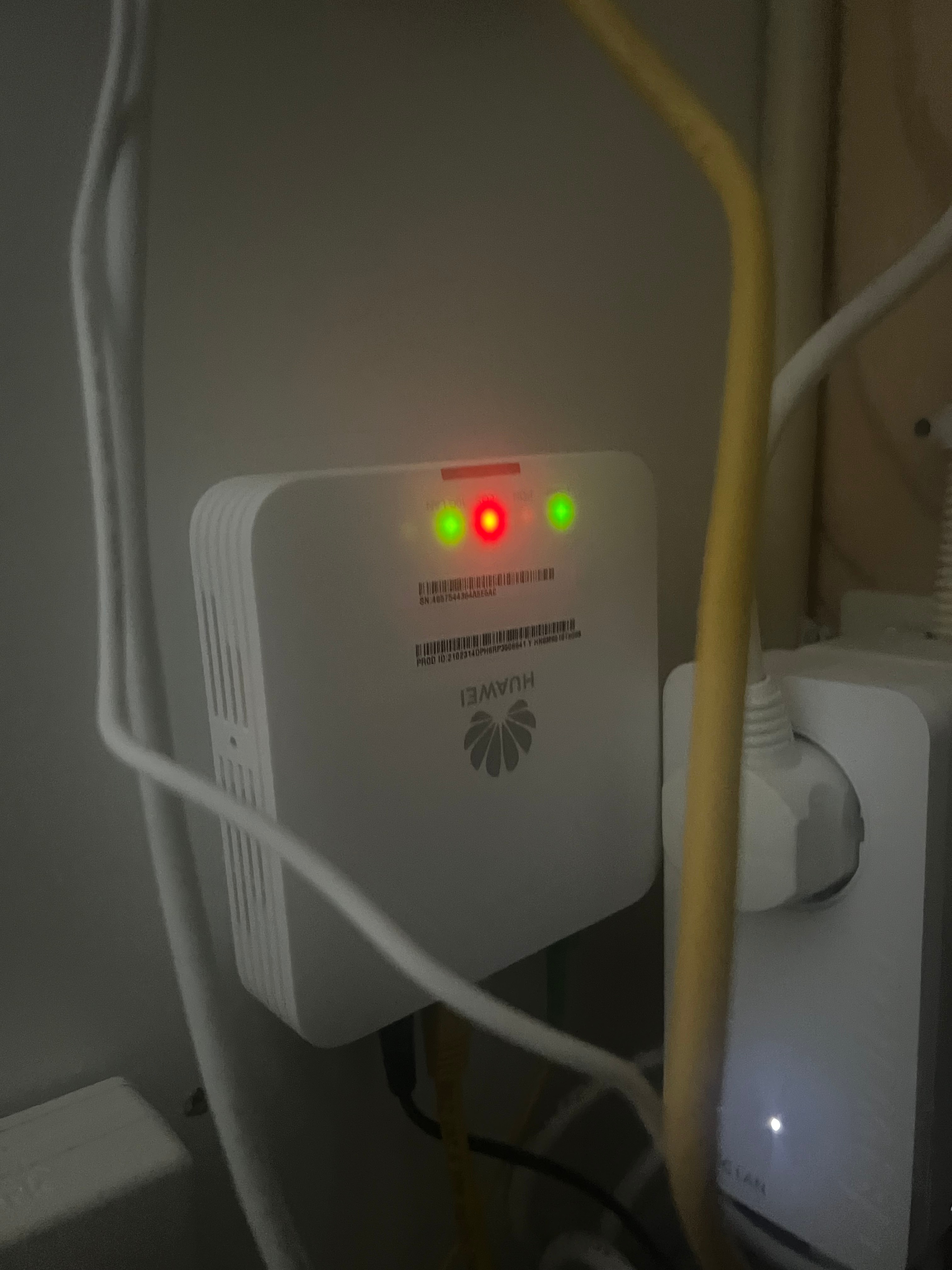
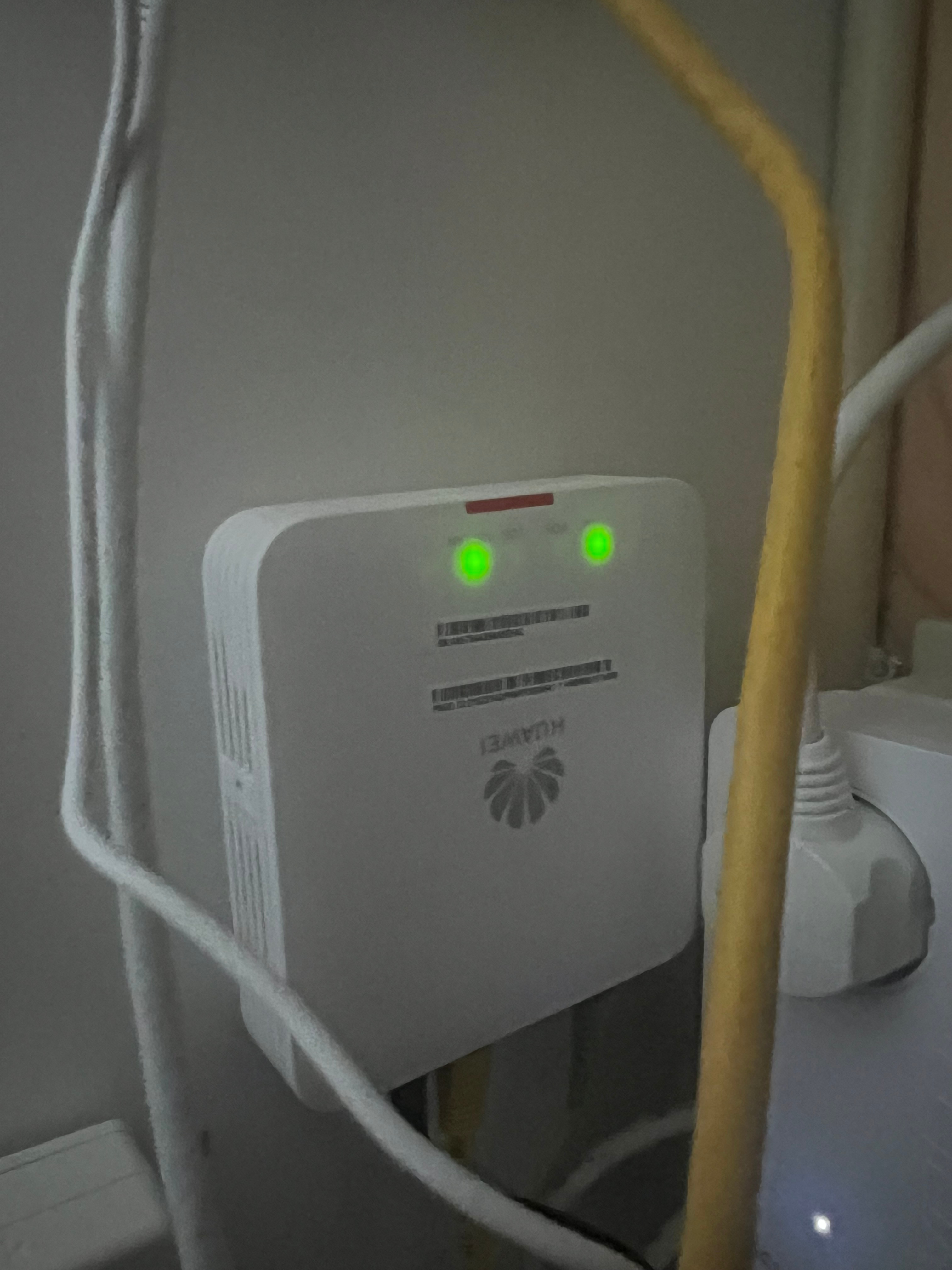
Is the PON light blinking on the Huawei device? Maybe try restarting the Huawei device.


  • Auteur
  • is een Master Poster
  • feb 19, 2025 3:43 p.m. UTC

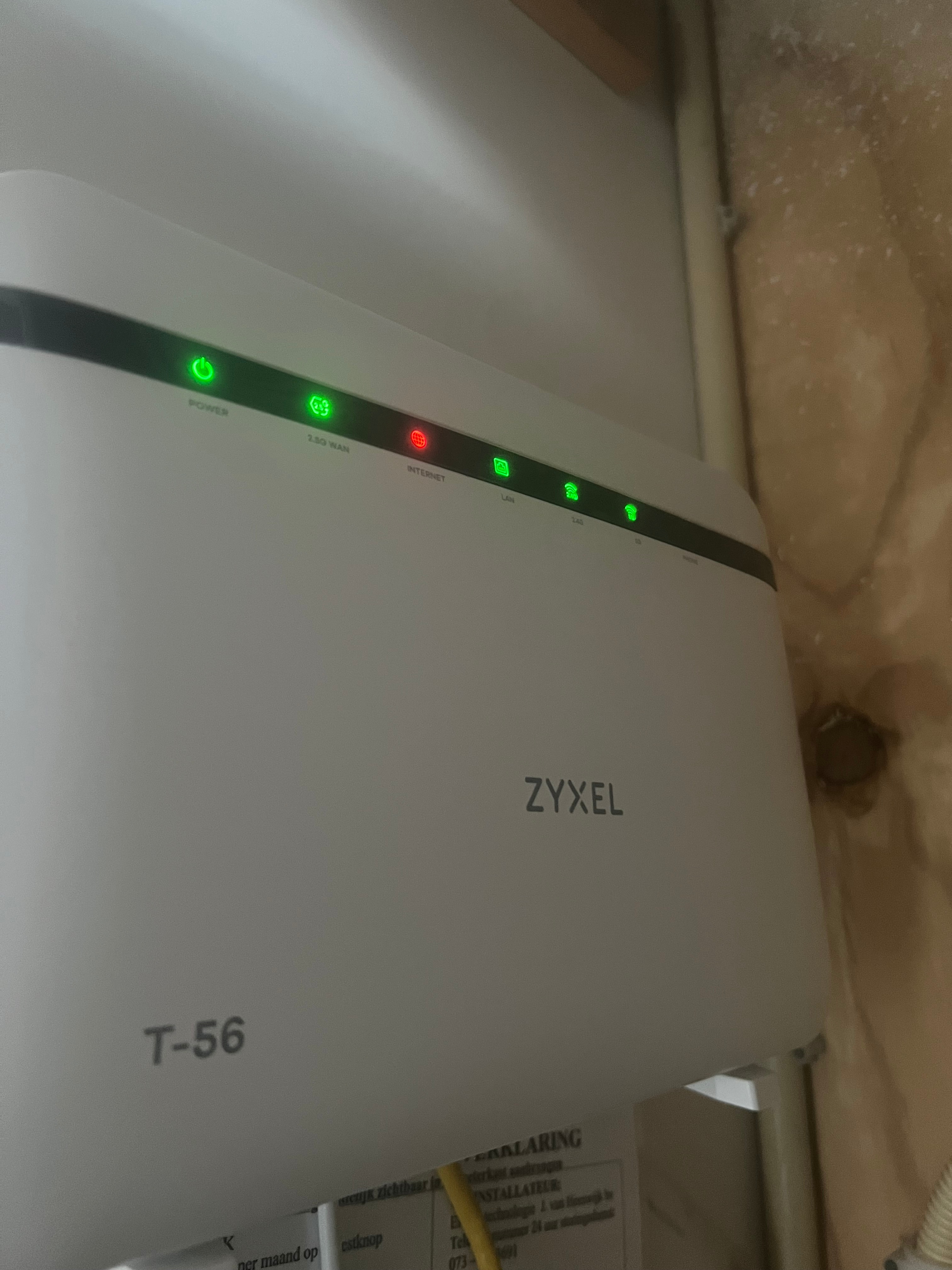
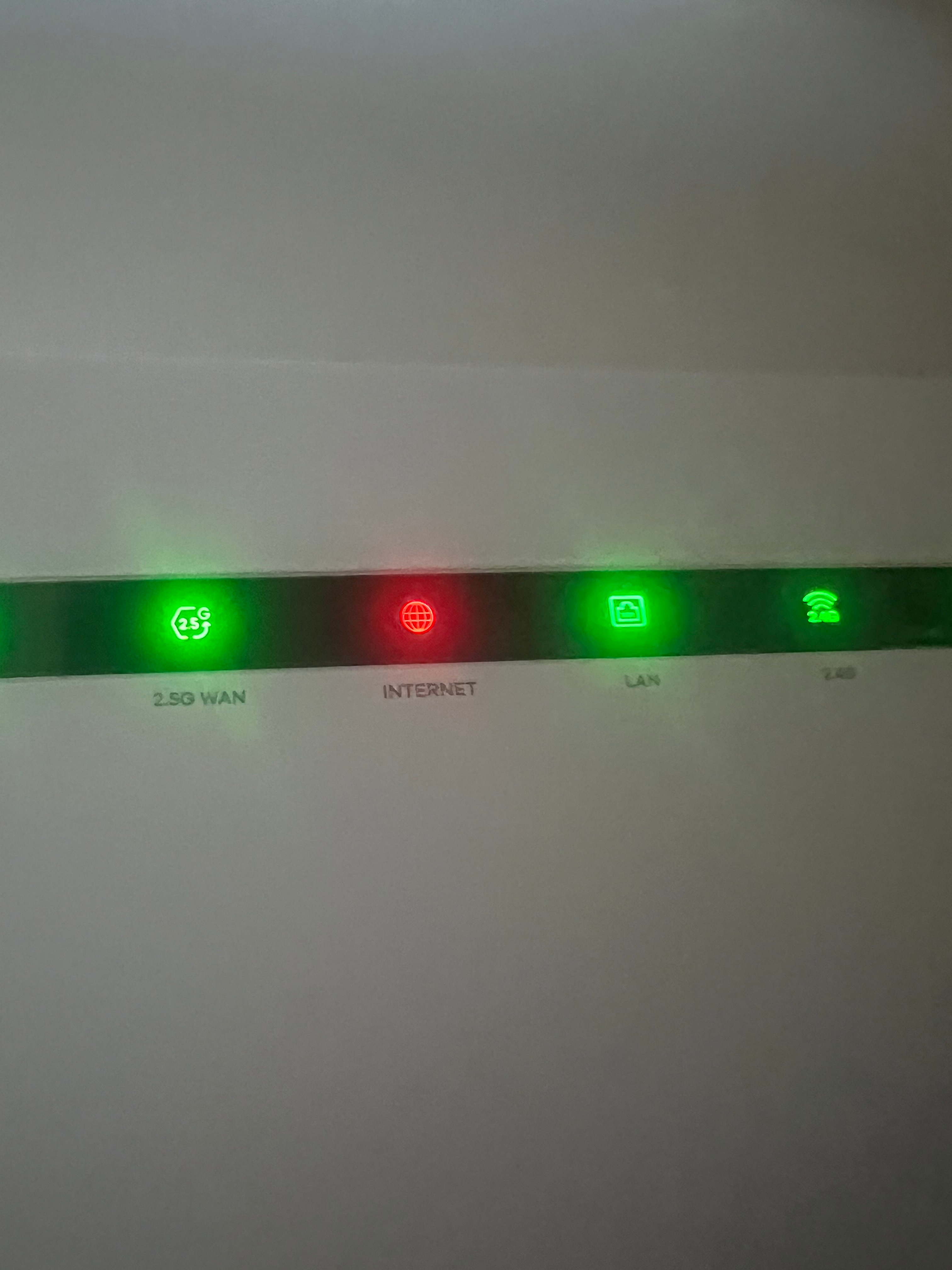
Red light is missed on the previous picture so I attached it again. All routers are showing red light. 
 

I have power off and on the Zyxel already but it is same. I have waited for 2 hours but still not working. 


  • Auteur
  • is een Master Poster
  • feb 19, 2025 3:45 p.m. UTC

I have powered off and on the Huawei but it is still same with red light. 


Waqqas
Super User
Forum|alt.badge.img+15
  • Odido Superuser
  • feb 19, 2025 4:05 p.m. UTC

​@Seongjin You 

That means that there is no signal, have you checked your Odido account under storingen to see if there is a known issue at your address?


  • Auteur
  • is een Master Poster
  • feb 19, 2025 4:22 p.m. UTC

Hi,

I am not sure what you mean. What should I check to see my odido account under storingen?

For about issue, also, I do not know what to see. At least, I have checked my neighbor who is using T-mobile internet(perhaps now it is also odido) and they have not faced any issue at all right now.

My problem has been appeared suddenly while I was using internet very well so I do not know if something on my account has been touched. 


Waqqas
Super User
Forum|alt.badge.img+15
  • Odido Superuser
  • feb 19, 2025 4:43 p.m. UTC

​@Seongjin You 

Do you live in Rotterdam? See This link.

Also see this page.


  • Auteur
  • is een Master Poster
  • feb 19, 2025 4:51 p.m. UTC

Hi,

I am living in Eindhoven. I have checked problem report through your second link but it says nothing has been reported for now. Just in case, I have disconnected both cable for Huawei and Zyxel for more than 10 sec and connected those again. Symptom is still same.


  • Auteur
  • is een Master Poster
  • feb 20, 2025 6:58 a.m. UTC

Please help. It is still not working. 


  • Auteur
  • is een Master Poster
  • feb 20, 2025 2:00 p.m. UTC

I have got technical support through call and supporter fixed my issue remotely.


Tommie van Odido
Moderator
Forum|alt.badge.img+13
  • Moderator | Internet + TV
  • feb 21, 2025 10:56 a.m. UTC

Hi ​@Seongjin You, of course, I want you to get back online as soon as possible.

So I am happy to check with you. Would you please complete your profile with your postcode, house number, date of birth and the last four digits of your bank account number? Then I can take a look with you. Thank you in advance! 


  • Auteur
  • is een Master Poster
  • feb 24, 2025 9:03 a.m. UTC

Hi ​@Tommie van Odido 


I have filled my information to my profile. I start to face same issue from few minutes ago. Can you help me?


  • Auteur
  • is een Master Poster
  • feb 24, 2025 9:31 a.m. UTC

Hi ​@Tommie van Odido 


Internet is now again online but I am wondering if you can detect anything wrong on my internet connection. Please let me know if you can see something. 

Thank you.


Teresa van Odido
Moderator
Forum|alt.badge.img+5

​@Seongjin You Good that you’ve found this topic and reached out to us. My apologies your connection is not working as it should. Of course, I will gladly help you to resolve this! 

I’ve immediately taken a look at your connection, and luckily, I don’t detect any faults on the line. I do however see that the router has not been disconnected in the past 5 days. Can you restart your router and the ONT (fiber optic box)? In this topic you see exactly how to do this: Reboot modem | Odido community. 

Can you let me know if this has resolved the issue? I’m always happy to further assist!