Beantwoord

Return apparatuur


Hello, I returned my old Odido equipment according to the instructions via DHL and I still receive messages from Odido that they did not receive my equipment,
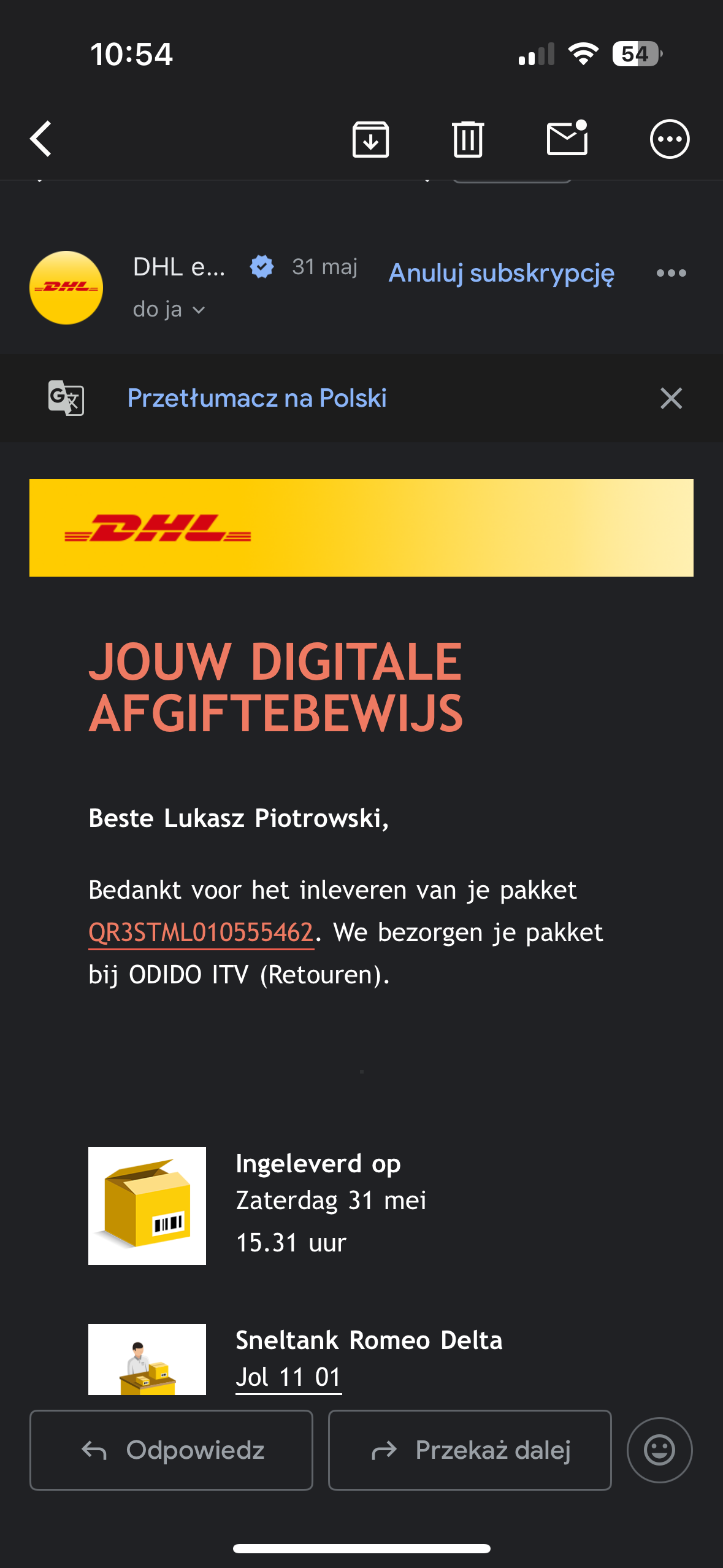
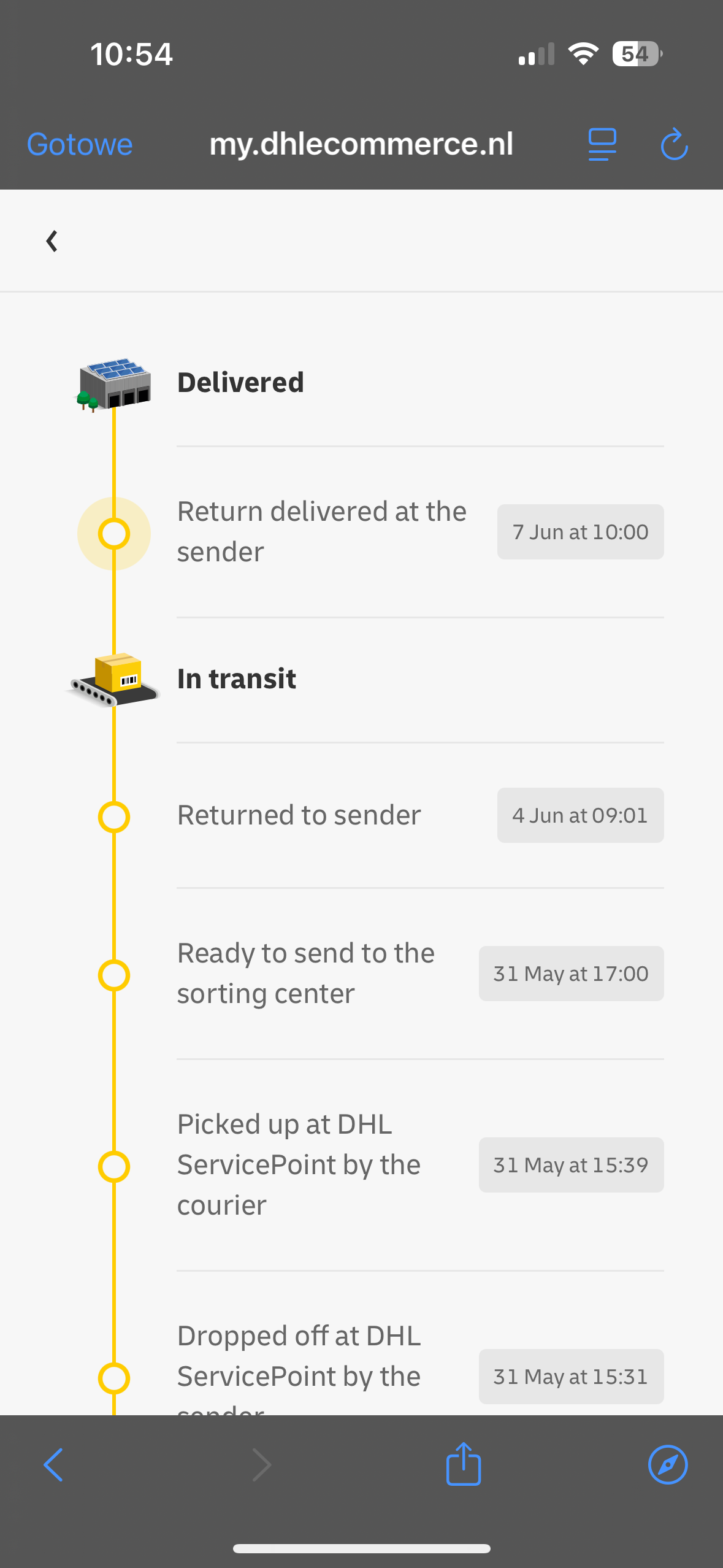
adds photos of sending confirmation

Beste antwoord door Waqqas

Hello ​@piotrowski 

Can you fill in all the private fields in your community profile and also the tracking code so a moderator can mark it as received manually?

Bekijk origineel

37 reacties

Waqqas
Super User
Forum|alt.badge.img+15
  • Odido Superuser
  • Antwoord
  • June 8, 2025

Hello ​@piotrowski 

Can you fill in all the private fields in your community profile and also the tracking code so a moderator can mark it as received manually?


  • Auteur
  • is een Master Poster
  • June 8, 2025

Sure, I have already filled in my personal data and also added the tracking number : XXXXXXX


Teresa van Odido
Moderator
Forum|alt.badge.img+5

​@piotrowski Thank you for returning the equipment! 😀 

I'll gladly take a look at this situation for you. However, I'm still missing some details for the verification. Would you mind filling in the last 4 digits of your bank account number in your community profiel? Thank you in advance! 

If you can let me know in this topic once you're ready, I'll immediately take a look at the situation. 


  • Auteur
  • is een Master Poster
  • June 8, 2025

I've already added it, thank you very much for your help !! 


Ishana van Odido
Forum|alt.badge.img+4

Hi ​@piotrowski, super thanks! I have processed the return in the system immediately. You will receive a confirmation by e-mail. Feel free to leave a comment if you have any questions or if something is unclear. I am here for you! 😊


  • Auteur
  • is een Master Poster
  • June 10, 2025

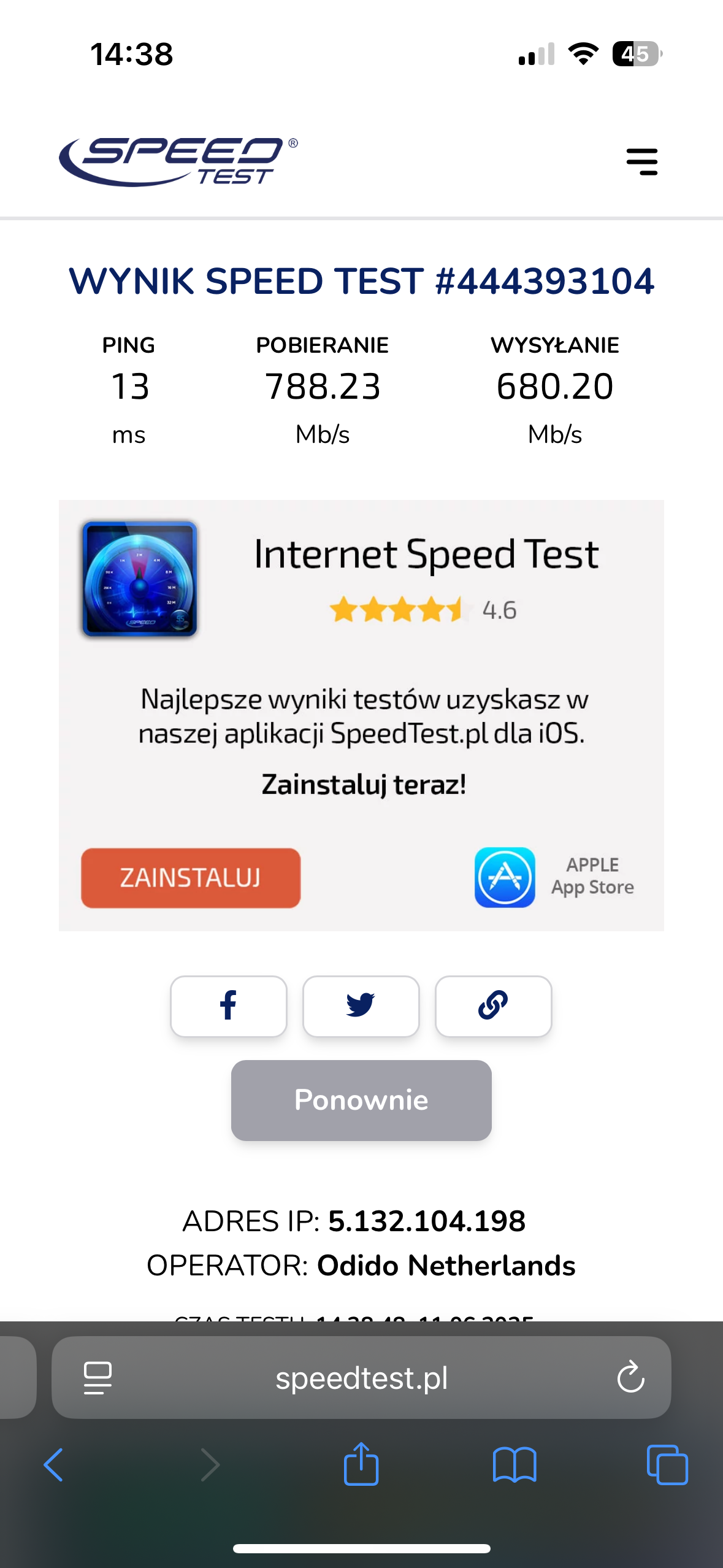
Hello, yes I have already received confirmation by e-mail. Thank you very much for your help! 🤗 then I have one more question😅 I changed as you already know a new modem and a higher speed from 1GB to 2GB but when I checked the internet speed online it shows me 700mb is that ok?


Tommie van Odido
Moderator
Forum|alt.badge.img+13

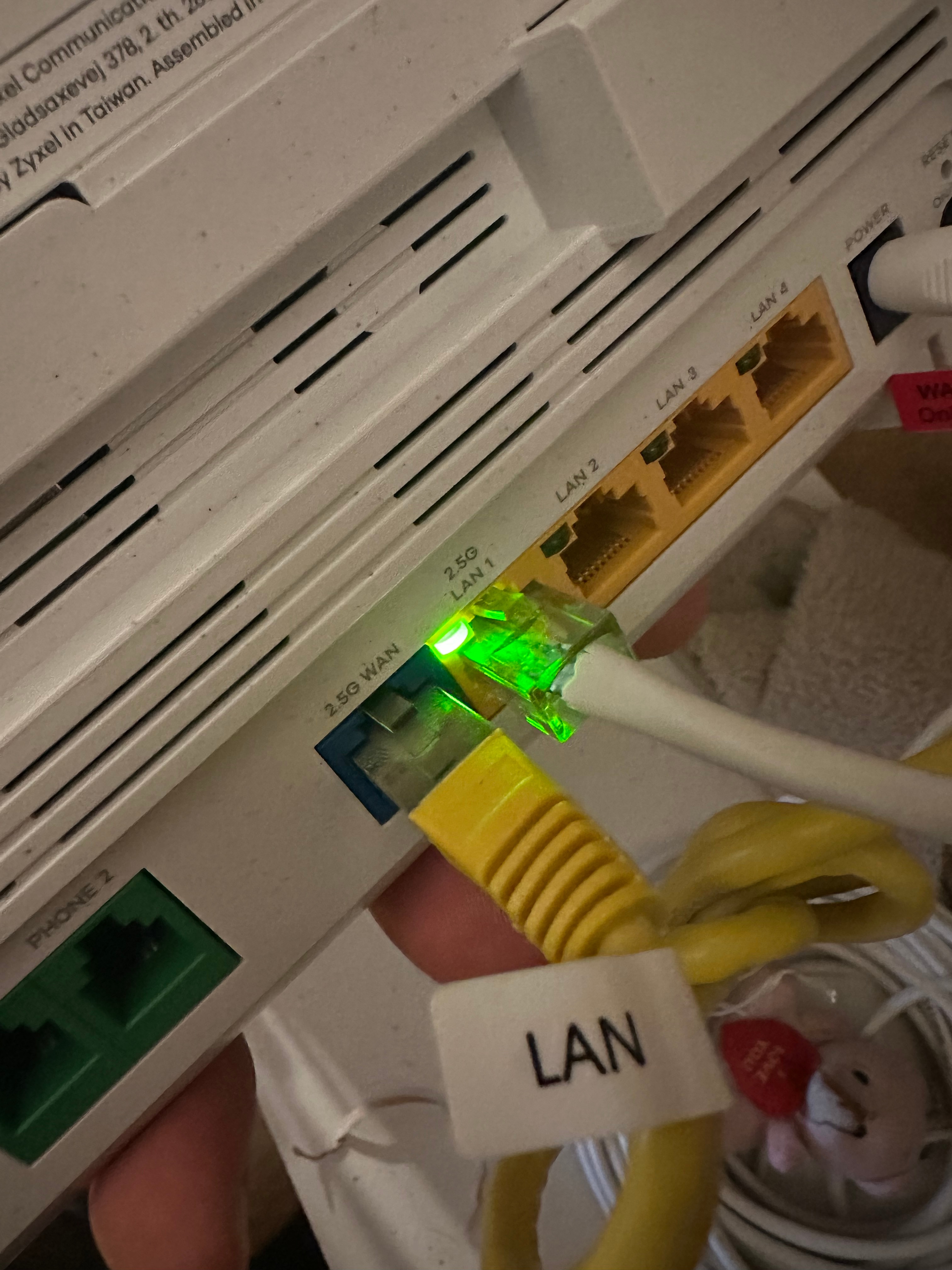
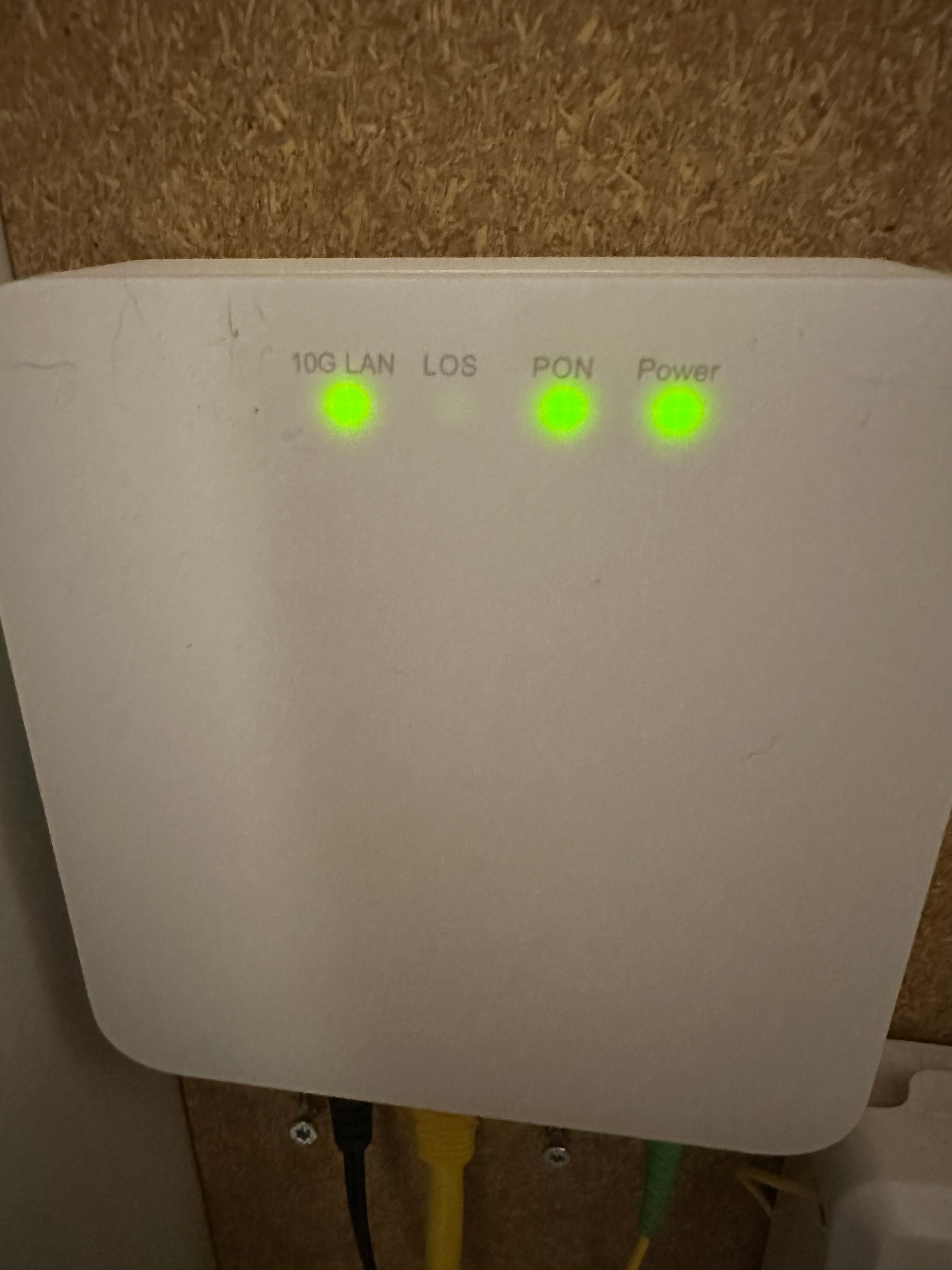
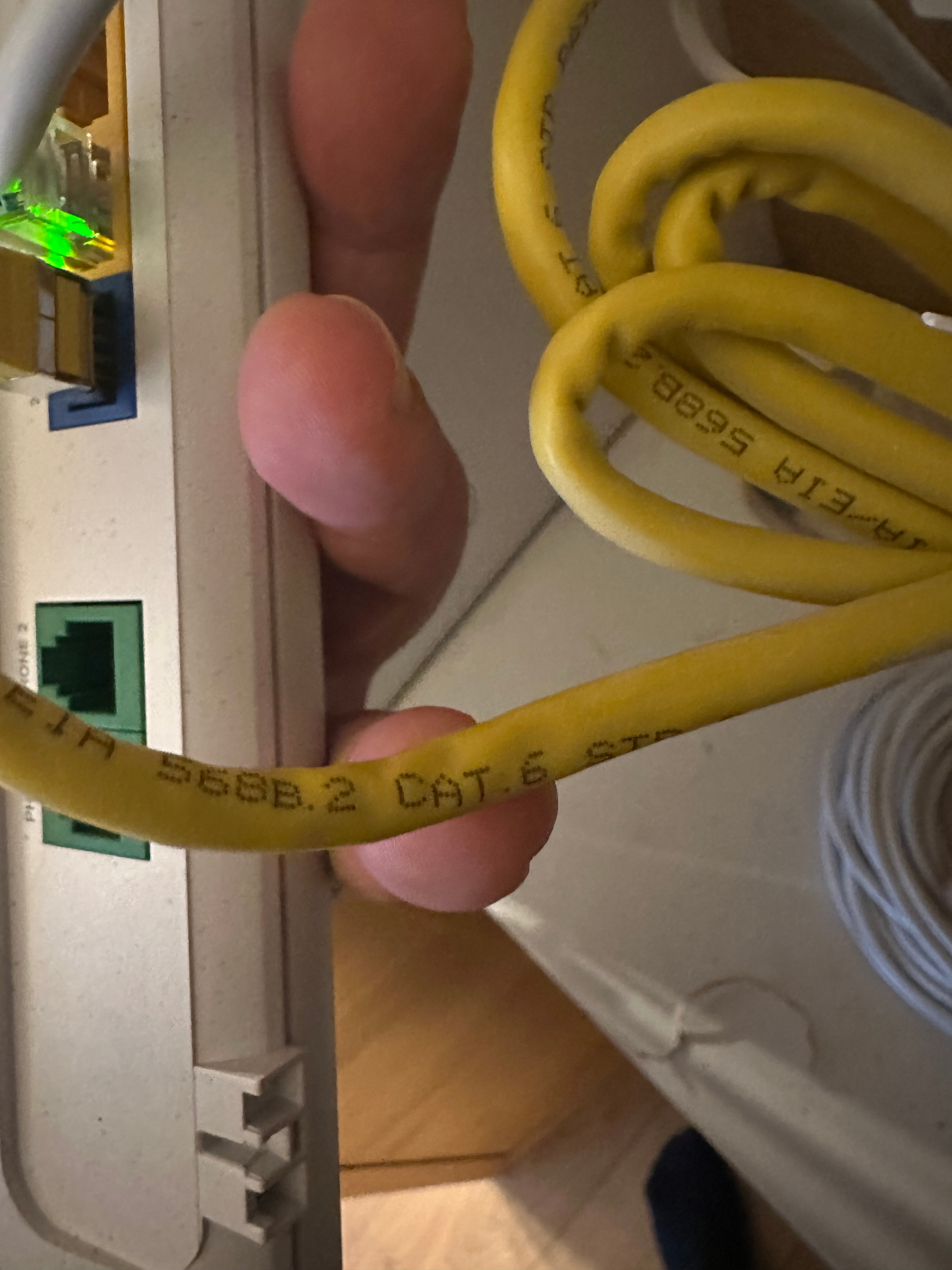
Hey ​@piotrowski, thanks for the feedback. 700 Mbit/s is on the low side, though. Are you testing this with a wired connection to the 2.5 Gbit port on the modem using a Cat6a cable or higher? This is because Cat6a or higher can only handle speeds greater than 1 Gbit/s. Could you check this again? You should also check the cable between the ONT and FTU; this should be Cat6a or higher to achieve this speed. Looking forward to your message! 


  • Auteur
  • is een Master Poster
  • June 10, 2025

I'm sending photos


  • Auteur
  • is een Master Poster
  • June 10, 2025


  • Auteur
  • is een Master Poster
  • June 10, 2025

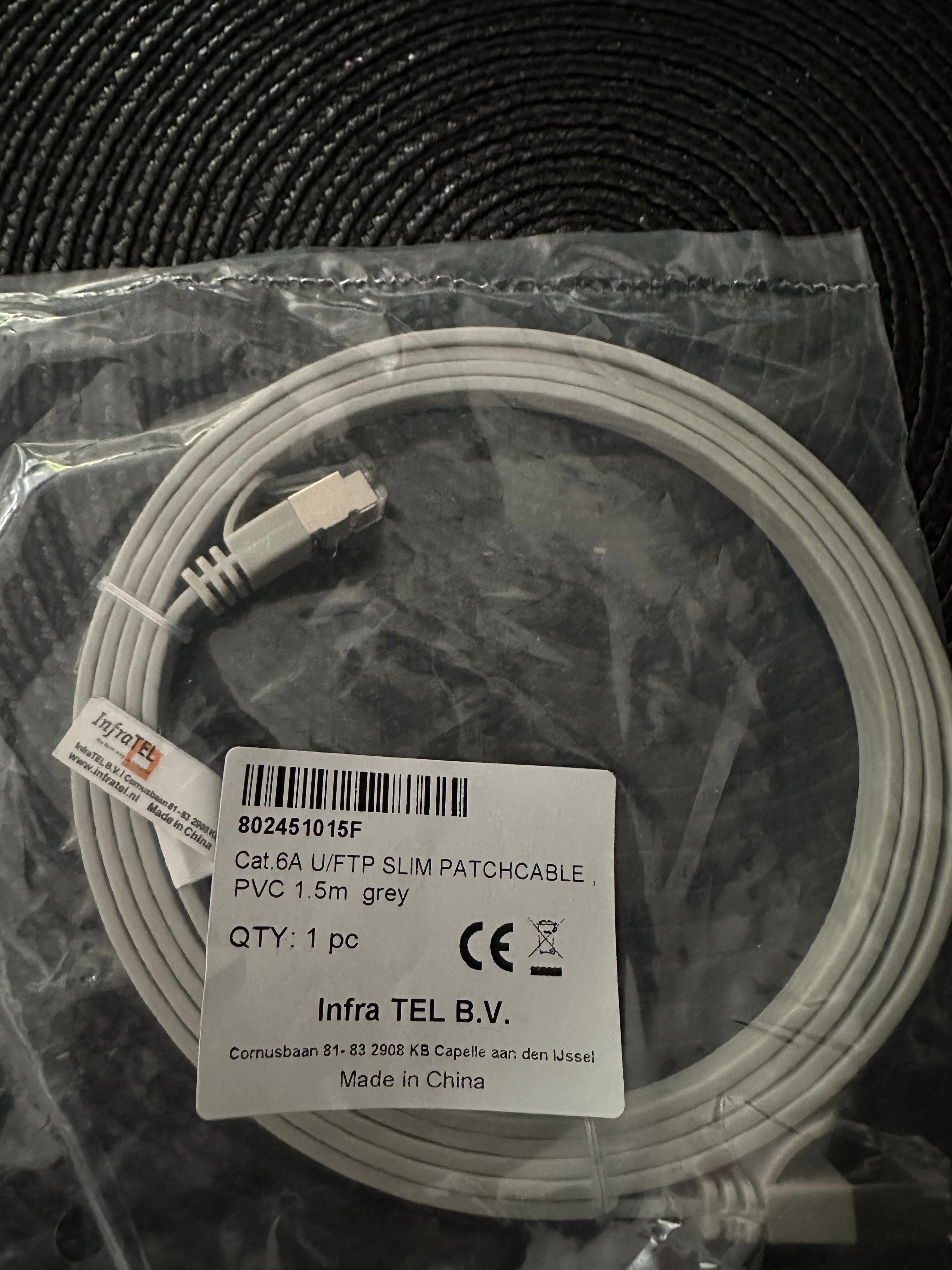
I also got this cable with the new modem. Maybe I should connect it with this one?


Teresa van Odido
Moderator
Forum|alt.badge.img+5

​@piotrowski Thank you for your efforts and providing us with the pictures. I want to help you, so you'll be able to enjoy a fast connection! 😊

Can you try to connect the new cable? I'm curious to see if this makes a difference. Please let me know, I'm here to help you resolve this issue!


  • Auteur
  • is een Master Poster
  • June 11, 2025

Hello, it's a bit better but it still seems to me that it's a weak connection compared to the 2GB package. 


  • Auteur
  • is een Master Poster
  • June 11, 2025


  • Auteur
  • is een Master Poster
  • June 11, 2025

Is it possible that there is simply not such a good signal on my address? maybe I will change my package to 1GB?


Tommie van Odido
Moderator
Forum|alt.badge.img+13

Hey ​@piotrowski, just to be clear, you now have a Cat6a cable running from the ONT to the modem, and another Cat6a cable connected to the 2.5 Gbit/s LAN port and a laptop or desktop computer that can handle more than 1 Gbit/s? You can check this by looking up the wifi-chipset in your computer and checking the specifications. This will tell you whether your device can handle more than 1 Gbit/s. I'd love to hear from you so that we can get a clearer picture of the problem! 


  • Auteur
  • is een Master Poster
  • June 12, 2025

I don't have a laptop or computer, the cable is connected directly to the TV.. 


Tommie van Odido
Moderator
Forum|alt.badge.img+13

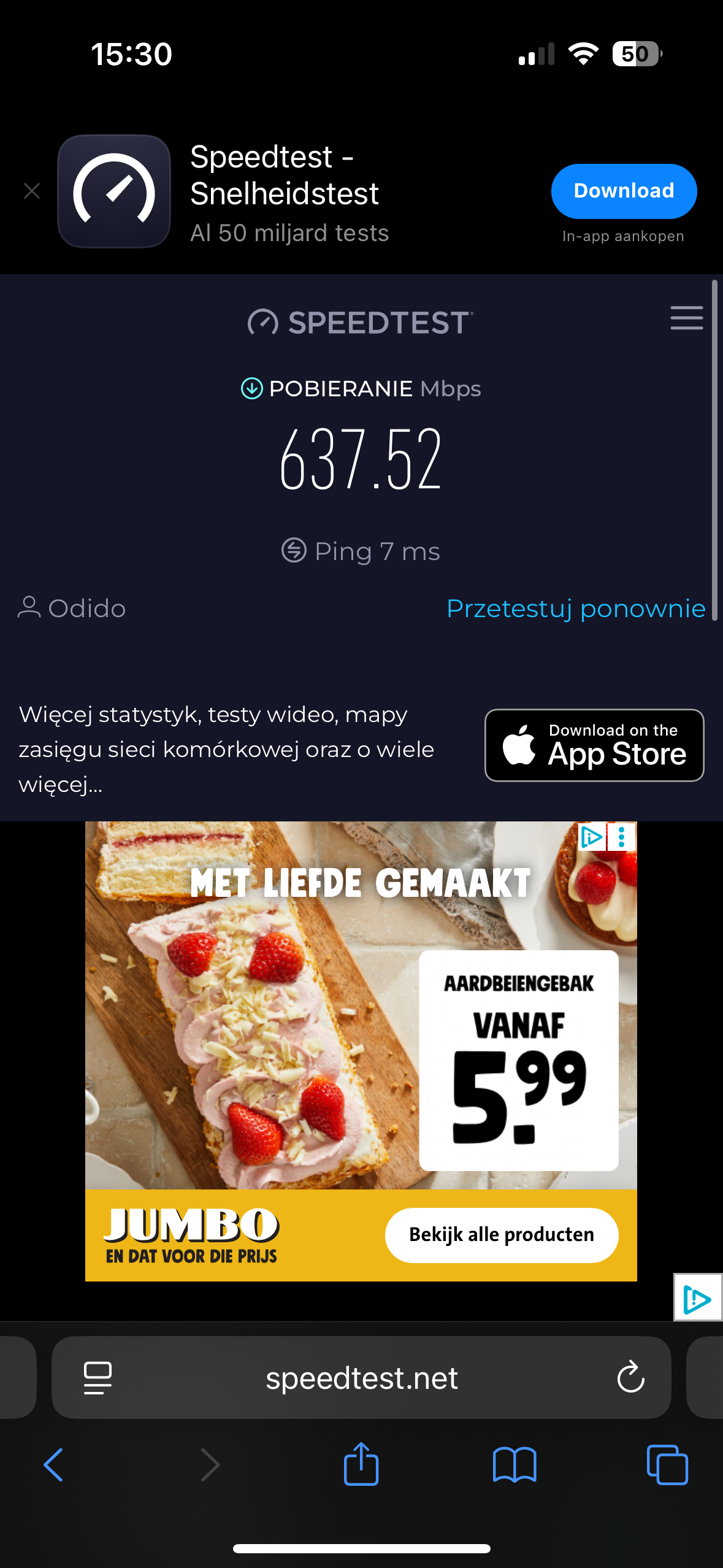
Okey check, so you test pure on your wifi ​@piotrowski? Could you do a speedtest with www.speedtest.net? Some tests are not always reliable after all. I am curious to see what you will see then!


  • Auteur
  • is een Master Poster
  • June 13, 2025

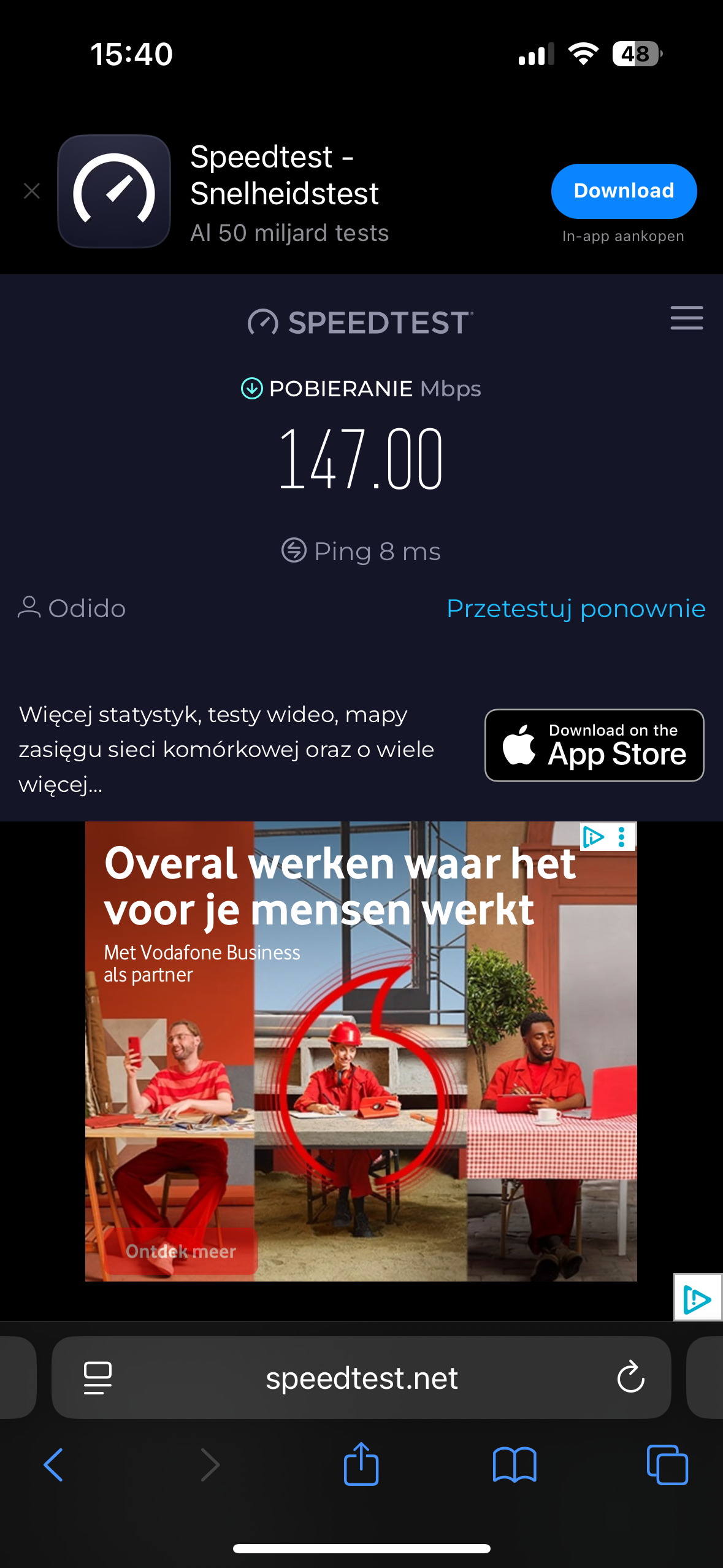
This is some kind of magic, the first time it showed me 700 MB, after resetting the router 147 MB... I don't have the strength for it anymore


  • Auteur
  • is een Master Poster
  • June 13, 2025

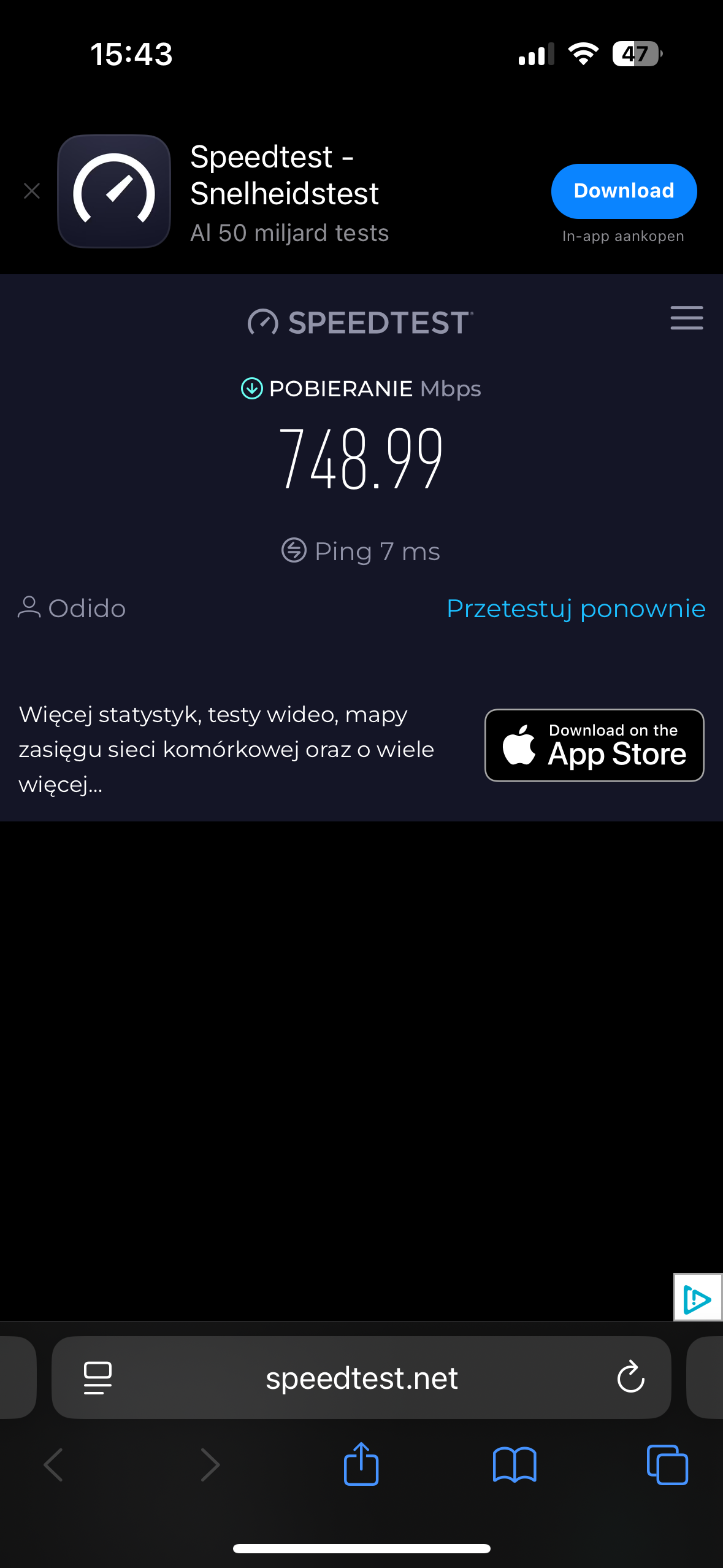
Now almost 800mb 😅


Cheyenne van Odido
Moderator
Forum|alt.badge.img+5

Hi ​@piotrowski, what is the wireless speed right now? And is it stable? I don't spot any issues in your connection after the reset yesterday. Regarding a wireless connection, getting 800Mbps is fair, depending on your setup and interference on the network. Please let me know!


  • Auteur
  • is een Master Poster
  • June 14, 2025

Hello, wirelessly it holds at 760mb . So you're saying that this speed should be at 2GB? and if I changed to 1GB, would the speed be the same or lower?


Waqqas
Super User
Forum|alt.badge.img+15
  • Odido Superuser
  • June 14, 2025

​@piotrowski 

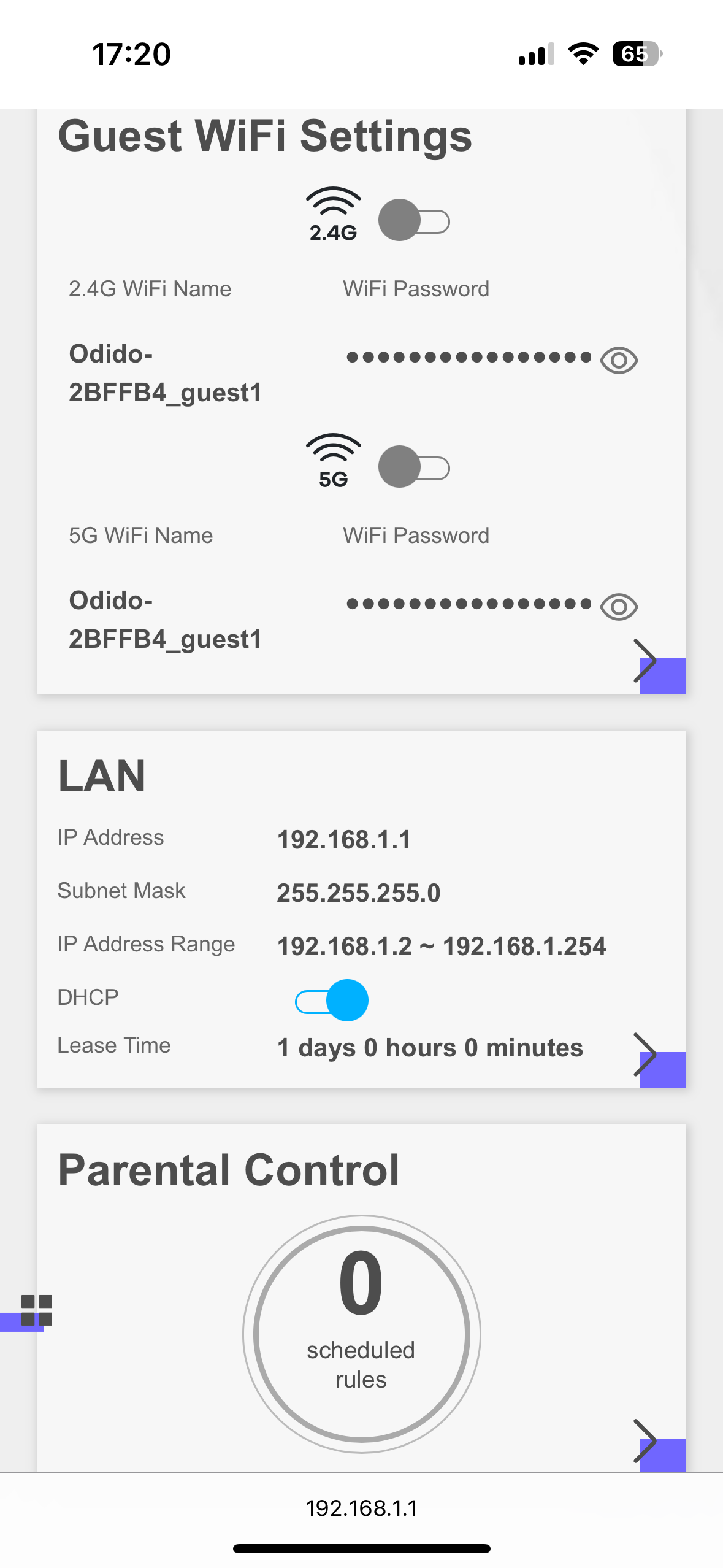
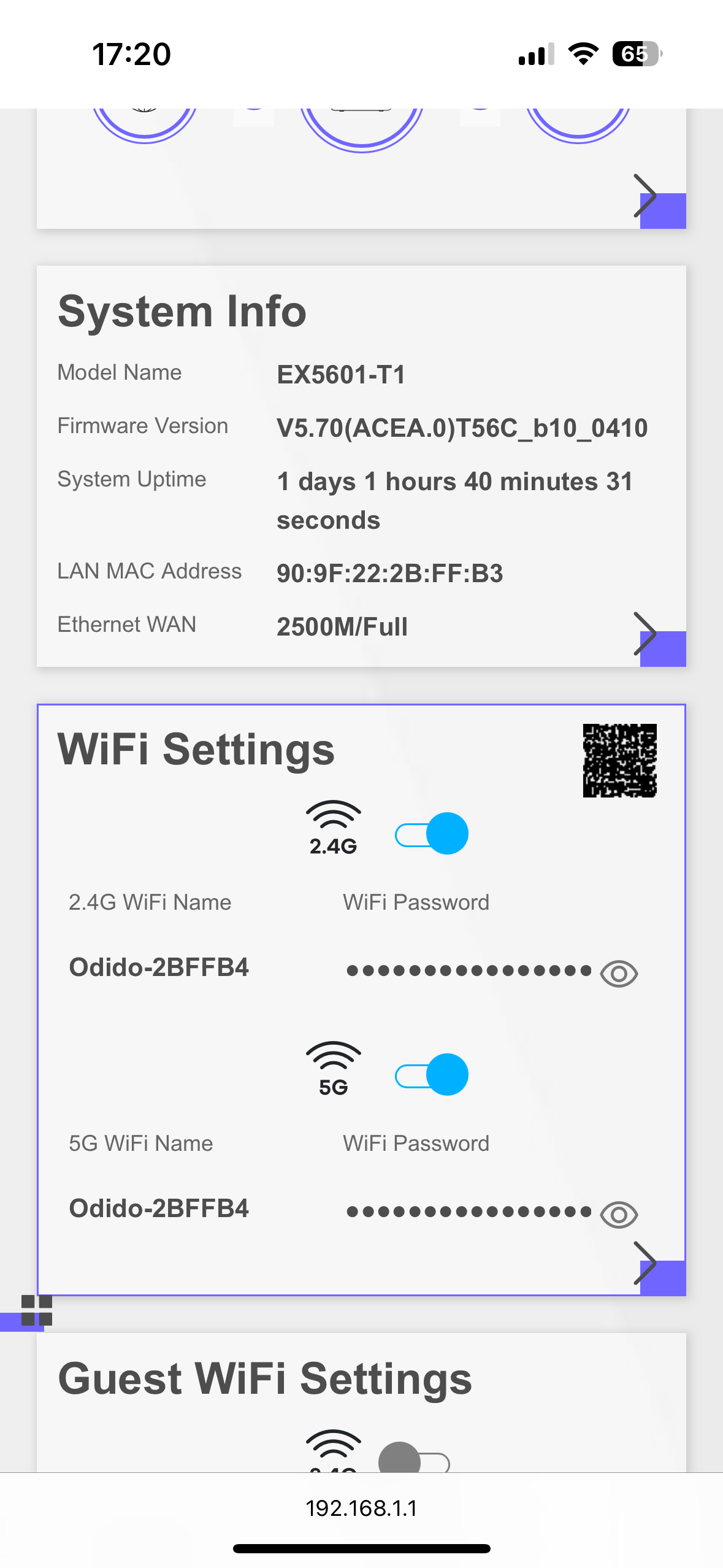
Can you go to 192.168.1.1 in your browser and log in with admin and the Login Password written on the back of your router?

Click on the > sign next to systeeminformatie and share a screenshot of that page.

I have a phone with WiFi 6 and I achieved 1900 Mbps via the WiFi with a 2 Gbps subscription.


  • Auteur
  • is een Master Poster
  • June 14, 2025


  • Auteur
  • is een Master Poster
  • June 14, 2025

Well, I get 750 mb on my phone via WiFi


  • Auteur
  • is een Master Poster
  • June 14, 2025