Beantwoord

No connection on installation

  • December 30, 2020
  • 9 reacties
  • 239 Bekeken

Hi!

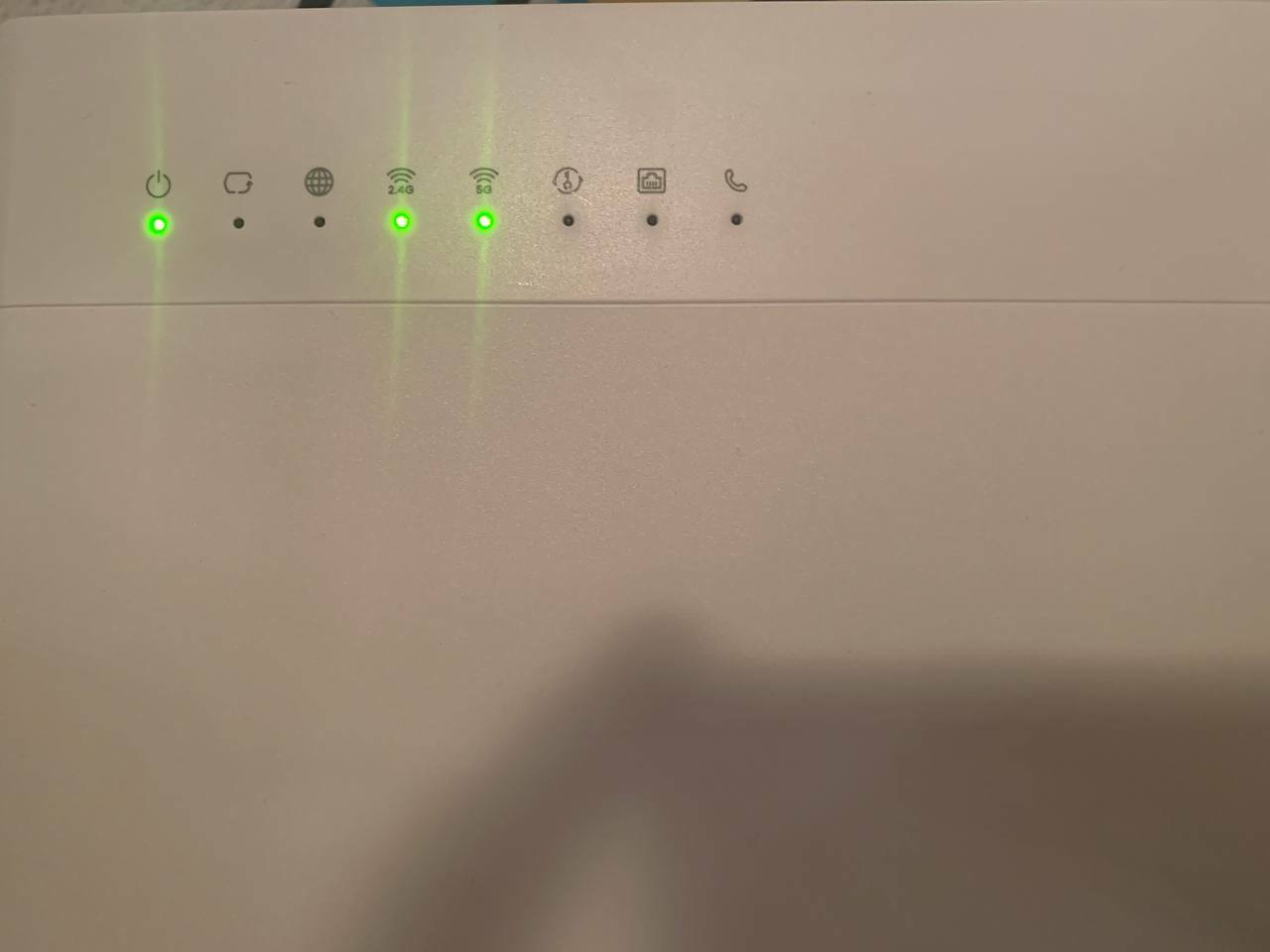
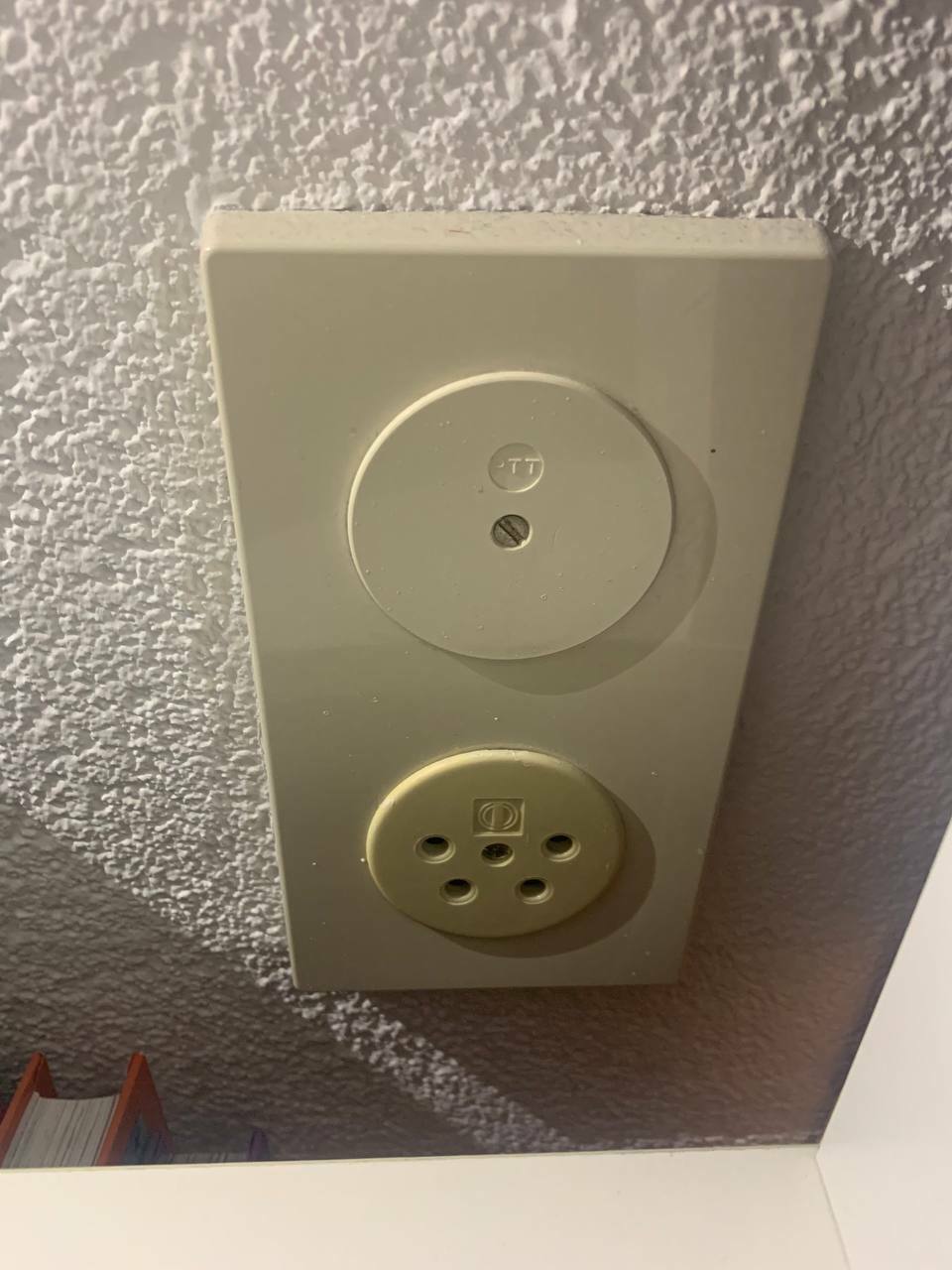
I received a package and connected the modem to the phone socket via “DSL” cable.

My start date is “today” according to the contract.

Tried to restart/hard reset - nothing helped.


Beste antwoord door prodigy

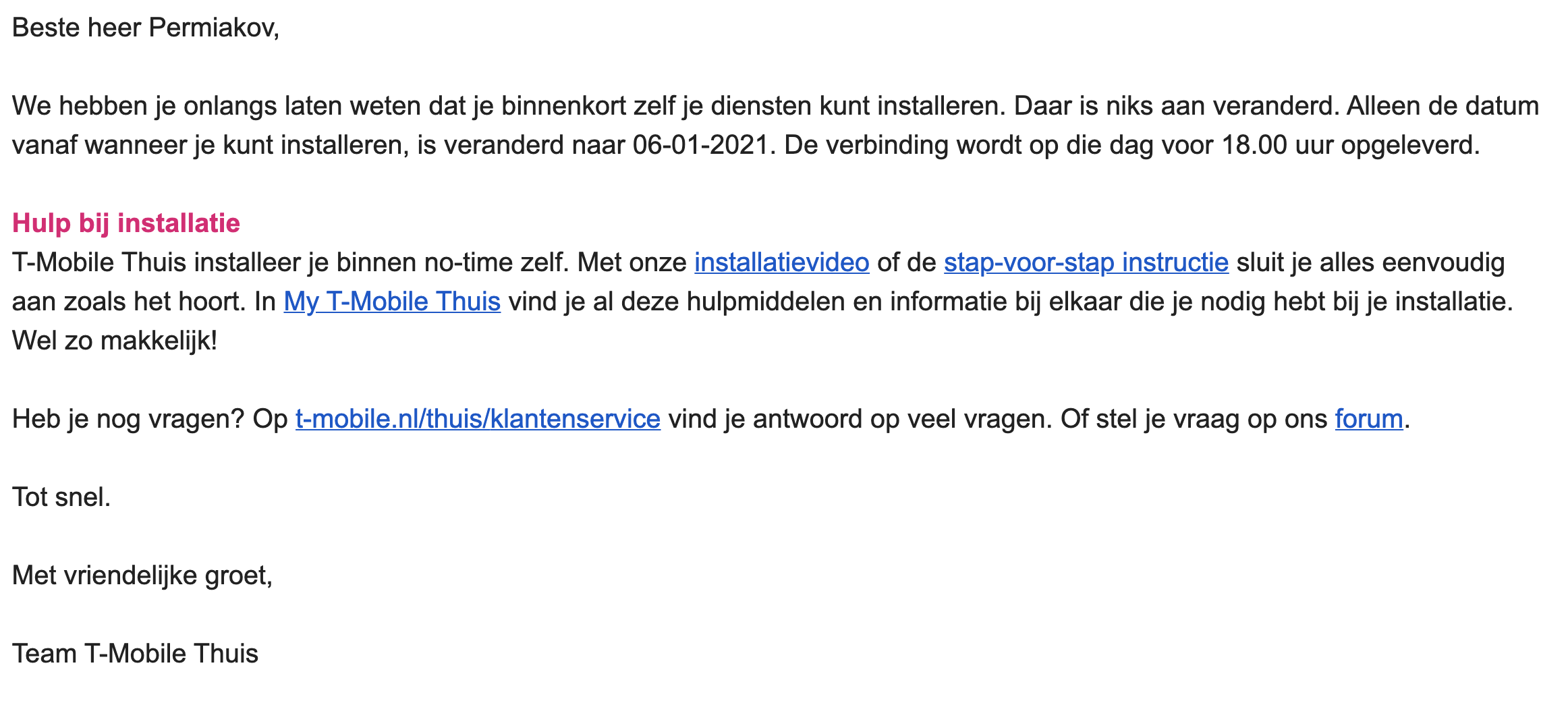
It has indeed been moved to the 6th.

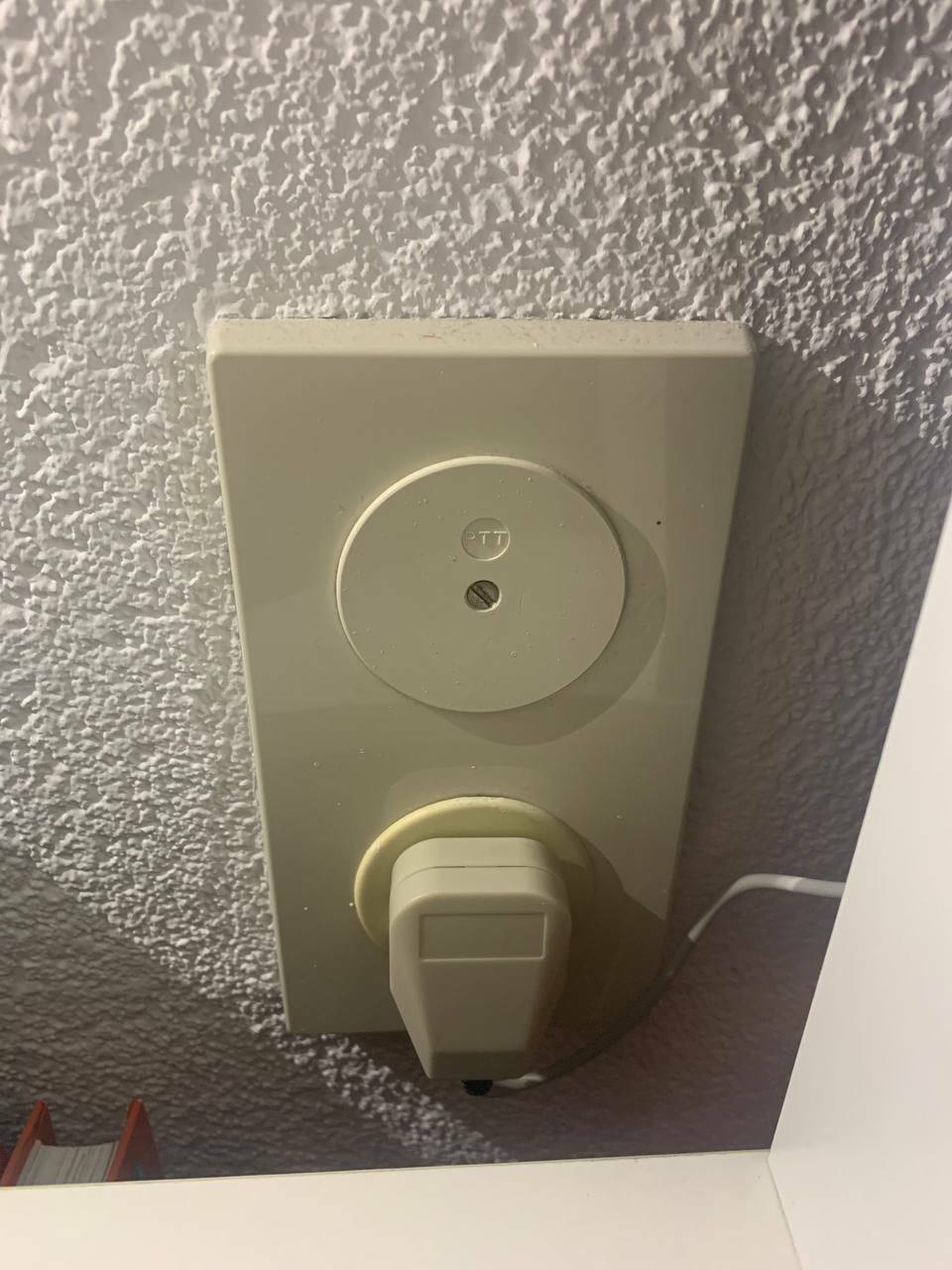
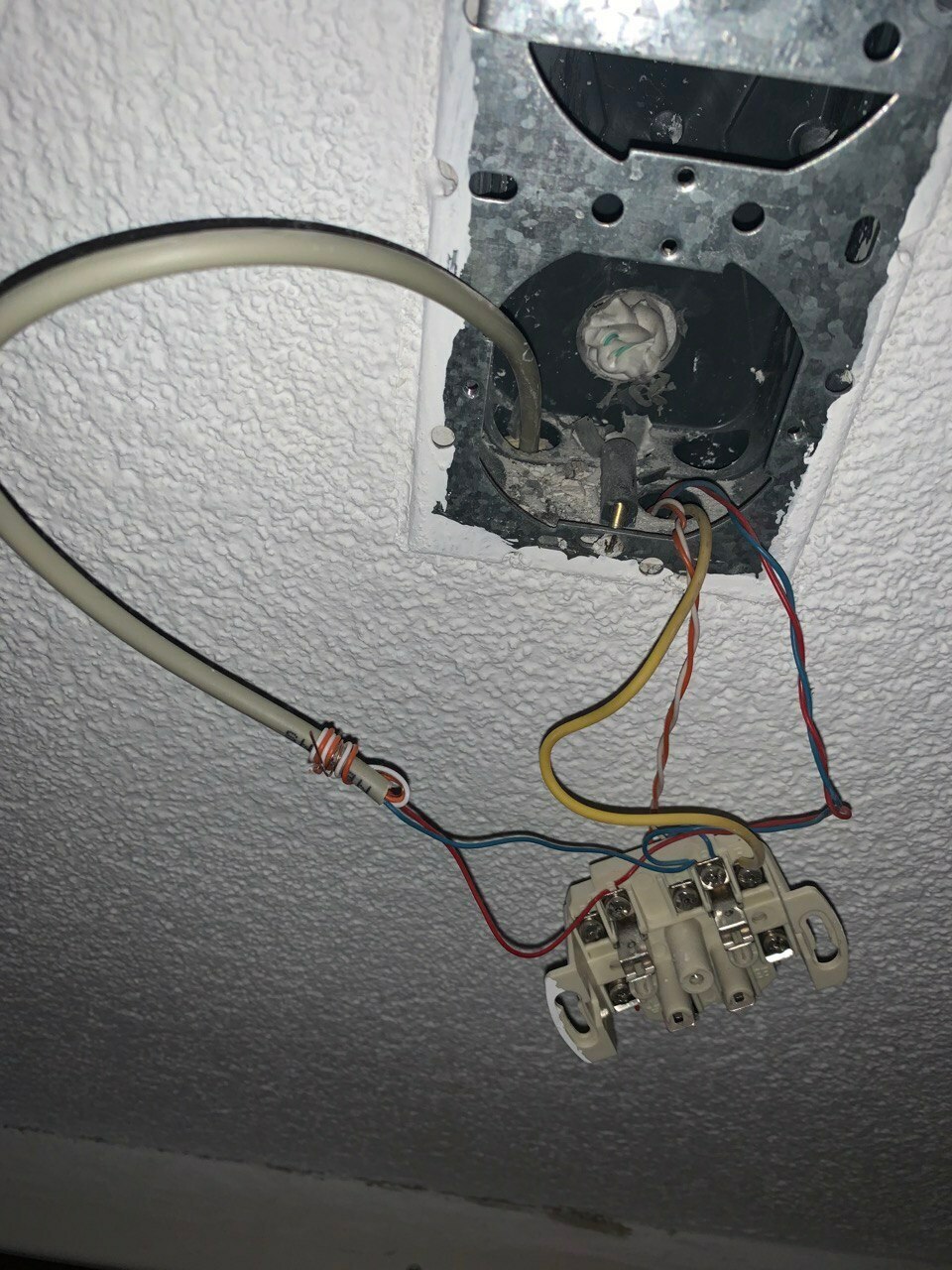
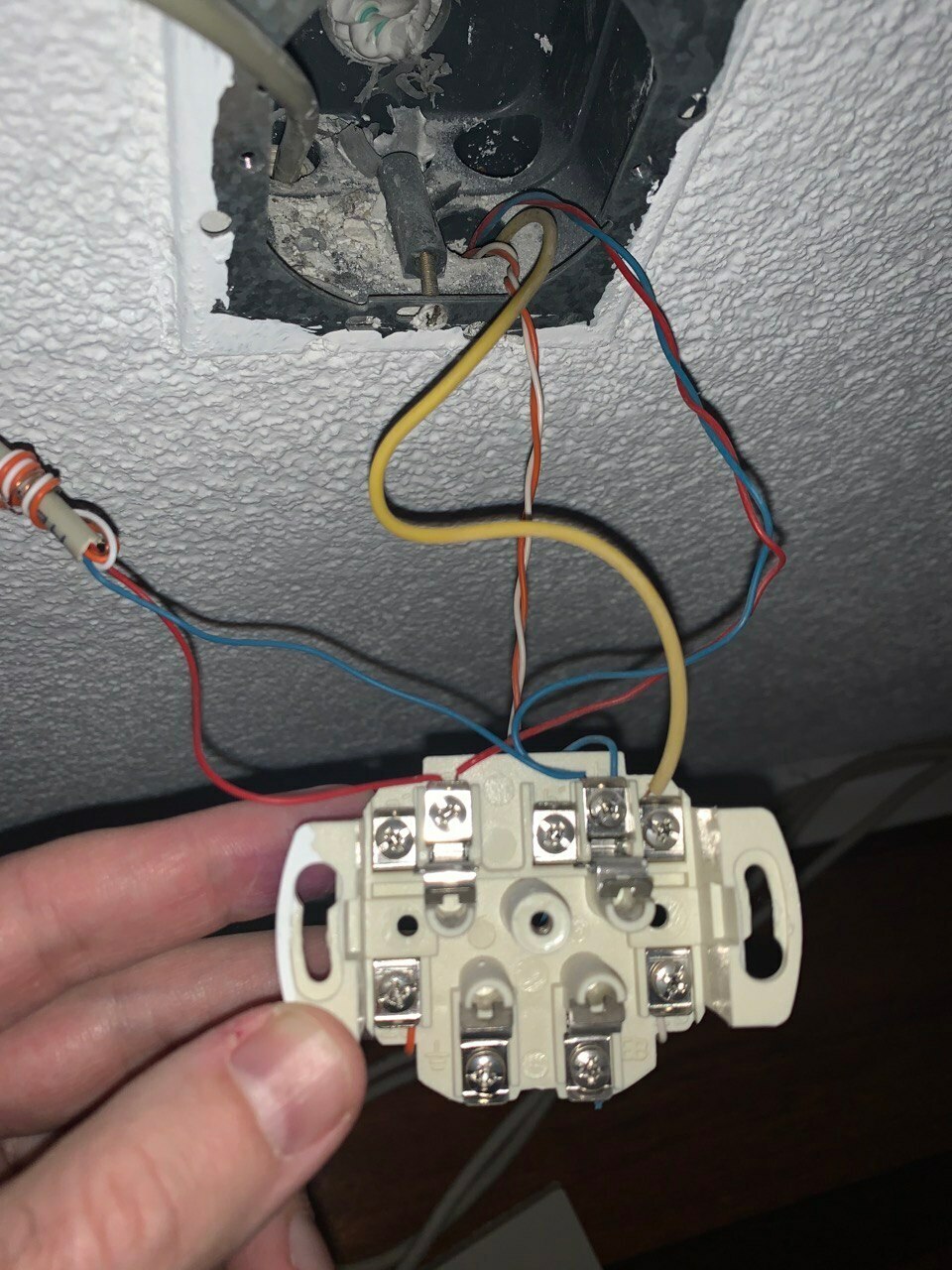
Another issue is the bridge tap on your wall socket. This can and wil cause connection drop outs and lower speeds if not fixed.

In the past these connections were used for old phone lines and you could connect additional wires from other rooms to the main outlet. For a DSL connection to work properly there can’t be any off branches (or bridge taps as it’s called) like that.

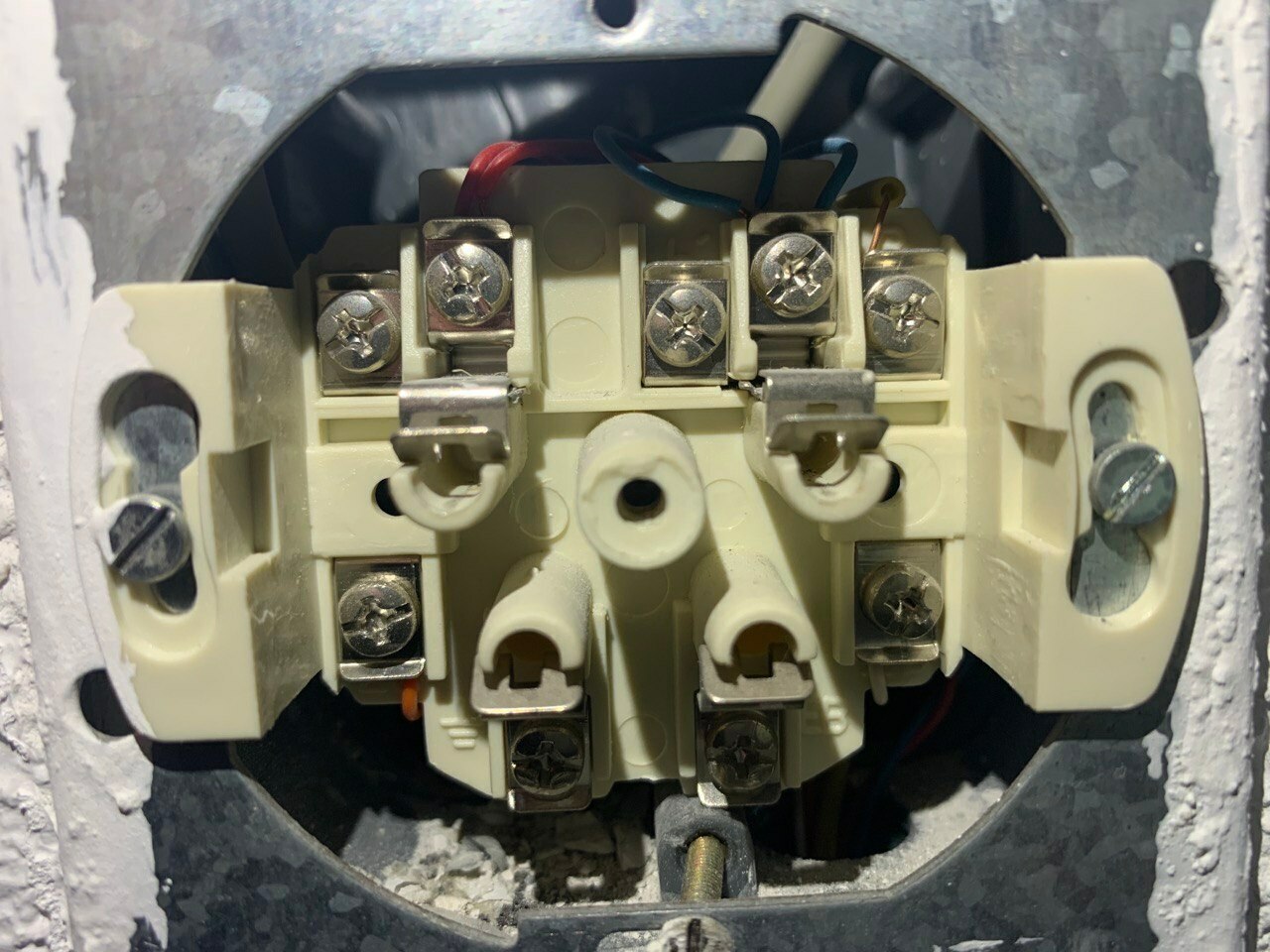
You’ll need to screw loose the left and right screw so you can get a good look at which wires go where. The incoming cable with red and blue wires should be much thicker than the cable going to your other room(s). You want only that thick cable connected to your wall outlet where the modem is going to be connected.

If all cables look the same, than your ISRA (demarcation point) is most likely located somewhere else.


Feel free to post additional photos if you need further help.

9 reacties

Waqqas
Super User
Forum|alt.badge.img+15
  • Odido Superuser
  • December 31, 2020

Hello @illia.permiakov 

Can you open this wall socket and place a picture of the wiring here?


  • Auteur
  • is een Master Poster
  • December 31, 2020

Hey @Waqqas 


  • Auteur
  • is een Master Poster
  • December 31, 2020

I also received weird email message today, like the install date is shifted. May be my connection is still not enabled on your side? 


  • Antwoord
  • December 31, 2020

It has indeed been moved to the 6th.

Another issue is the bridge tap on your wall socket. This can and wil cause connection drop outs and lower speeds if not fixed.

In the past these connections were used for old phone lines and you could connect additional wires from other rooms to the main outlet. For a DSL connection to work properly there can’t be any off branches (or bridge taps as it’s called) like that.

You’ll need to screw loose the left and right screw so you can get a good look at which wires go where. The incoming cable with red and blue wires should be much thicker than the cable going to your other room(s). You want only that thick cable connected to your wall outlet where the modem is going to be connected.

If all cables look the same, than your ISRA (demarcation point) is most likely located somewhere else.


Feel free to post additional photos if you need further help.


  • Auteur
  • is een Master Poster
  • December 31, 2020


  • Auteur
  • is een Master Poster
  • December 31, 2020


Waqqas
Super User
Forum|alt.badge.img+15
  • Odido Superuser
  • December 31, 2020

Hello @illia.permiakov 

You can remove the red and blue wires from the left cable, the orange and white wire underneath the socket and the yellow wire from the right cable.

Only red and blue from the right cable should be connected and if you have no signal on 6 January before 6 pm try orange instead of right and white instead of blue (from the right cable).


  • December 31, 2020

Expected another thicker cable mantle to be visible, seems to be further down the tube than normal, but as Waqqas mentioned, the main cable looks to be the right one.

If in doubt, find the other wall socket and have someone pull a bit on the wires and see which one moves in the main socket, and then remove that one.


Hope it works next week!


  • Auteur
  • is een Master Poster
  • January 1, 2021

Thanks a lot! @Waqqas @prodigy